Note: This command is only available after you have run the
Check, and provided that the Check produced no warnings that require fixing. (See previous
section.)
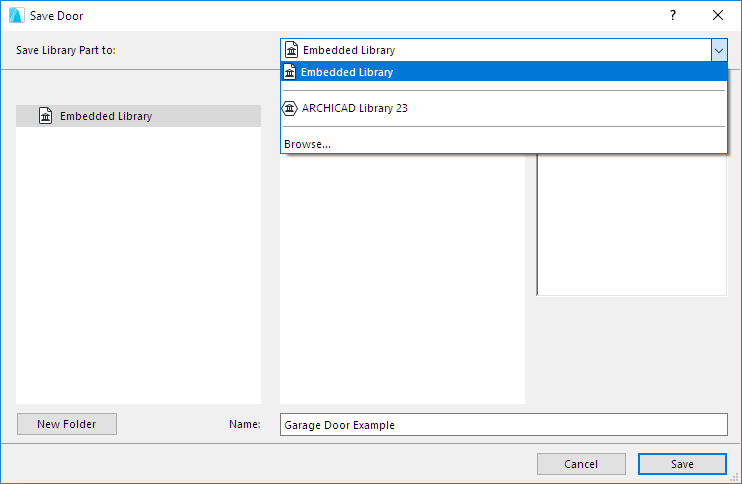
In the Save dialog which appears, enter a name and choose the desired
folder location for the object:
to the Embedded Library (default choice. It is recommended to save
customized, project-specific objects to your Embedded Library.)
browse for a linked library or a BIMcloud library that has been added
to the project
Note: In Teamwork, you must reserve the
BIMcloud Library folder before saving to it.