To apply a different Renovation Filter to the current tab/window, do one
of the following:
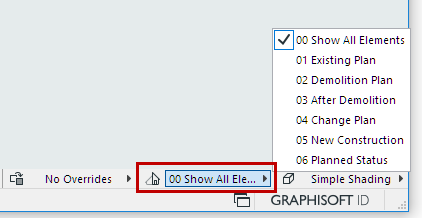
Use Quick Options
- Use the Renovation Filter pop-up from the Quick Options Bar at the
bottom of the window
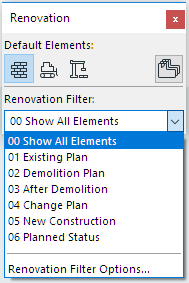
Use Renovation Palette:
From the Renovation Palette, click the desired filter from the
Renovation Filter pop-up: