Adding Insulation to Walls: Renovation Workflow
If you want to add a layer of insulation to an existing wall, you simply add an insulation skin to the composite wall. However, you cannot assign “New” status to just a single component of a wall - only to the wall itself.
To distinguish (for Renovation Filter purposes) the new insulation added to the original wall, the following workflow is recommended:
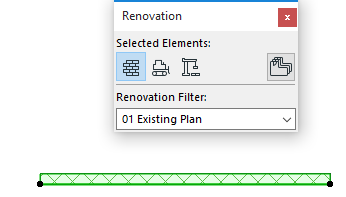
Existing Plan View
- In the Renovation Palette, assign the original wall (Wall 1) a status of “Existing”.
New Construction View
In this view, you want to show both the Existing and the New components of the wall.
- Alongside Wall 1, place another wall (Wall 2) alongside it to represent insulation. Define Wall 2 as “New”.
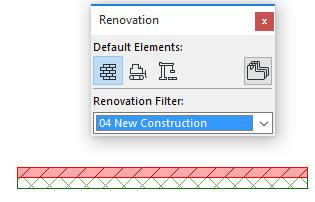
This way, only the new part of the Wall - the insulation part - is displayed as “New” in this view.
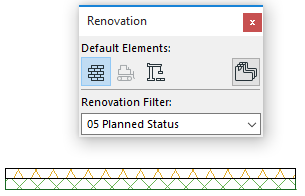
Planned Status View
- Here, both Wall 1 and Wall 2 are shown with their own original attributes.