Display and Edit Interior Elevation Marker Lines and Marker Range
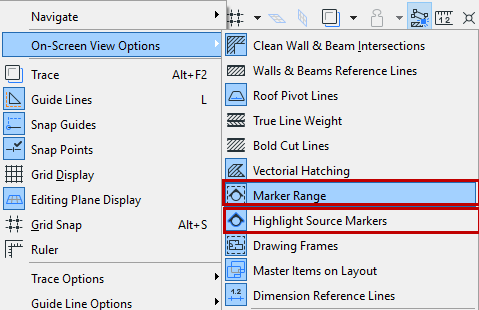
You can vary the display of Interior Elevation lines/range using the following two options at View > On-Screen View Options:
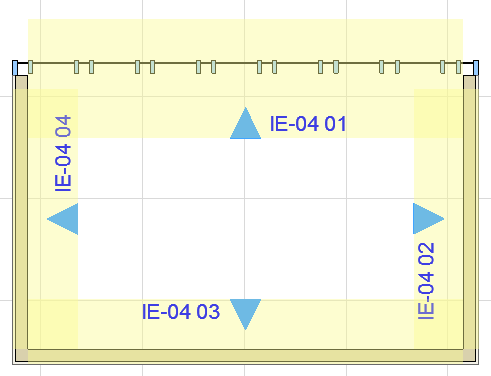
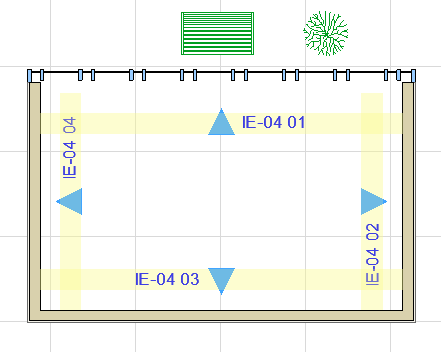
- Marker Range: Displays the interior elevation limit line and Room Boundary line
- Highlight Source Markers: Displays a highlight that indicates the range of the viewpoint. The color of this fill can be set in Options > Work Environment > On-Screen Options.
 |
 |
|
Marker Range On (Limited IE Viewpoint) |
Marker Range On (Infinite IE Viewpoint) |