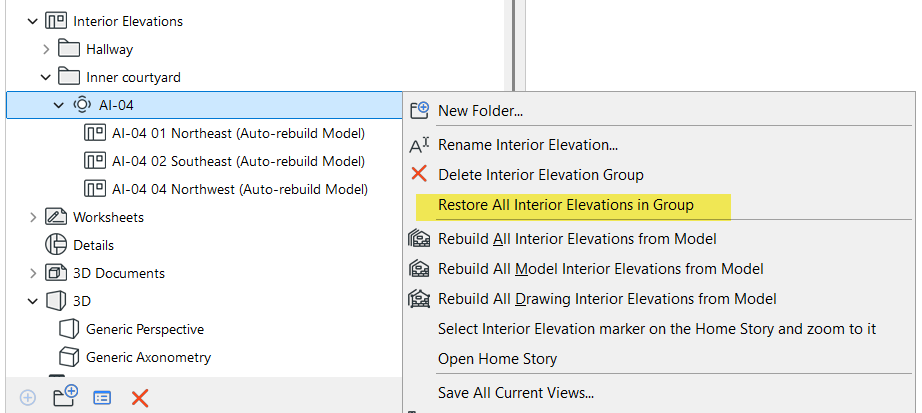
Delete/Restore IE Viewpoint
If you have selected an individual IE viewpoint, you can delete that single viewpoint with the context menu’s Delete command.
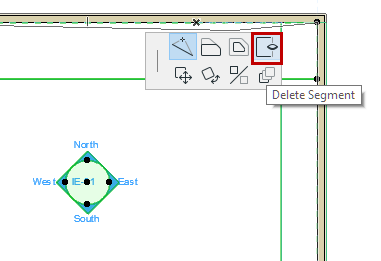
Alternatively, if you have selected the entire IE group, use the Delete Segment command from the pet palette. The segment that you clicked to select the IE group will be deleted.
You can restore this viewpoint even after deleting it: In the Navigator or in the project, select the IE group to which it belongs, then use the Restore all Interior Elevations in Group command from the context menu.