Editing an Arc Using its Tangent
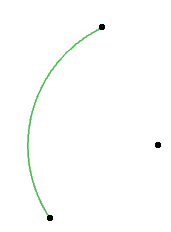
Edit an arc from any point along its edge using the tangent to the nearest arc endpoint.
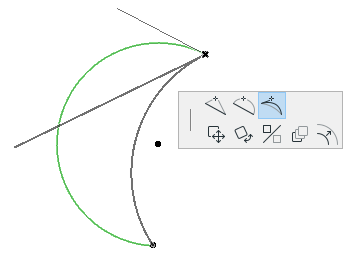
- Click on the edge of any arc and choose the Edit segment using tangent icon from the pet palette.
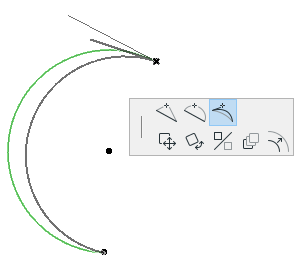
- The tangent to the nearest arc endpoint appears on the plan. Move the cursor to edit the tangent line by choosing a new tangent endpoint. A rubber band line indicates the shape of the resulting new arc. Click to place.