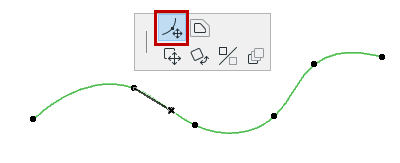
Editing Splines
Select a Spline, then edit it in the following ways.
Offset Spline
Choose the Offset command from the Pet Palette to offset the spline.
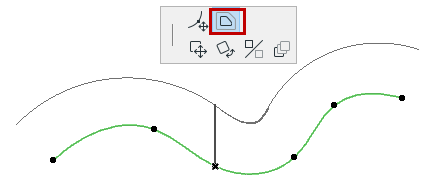
See also Offset All Edges.
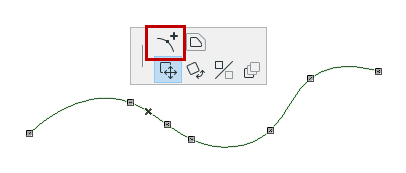
Insert new node
Click a spline with the Mercedes cursor to bring up the Pet Palette; then use the Add new node to Spline command from the pet palette.
Move or delete a node
Click a node of the spline to bring up the Pet Palette. Choose the Modify Spline path command.
- Drag the node onto its neighboring node to delete it, or
- Drag the node to a new location.