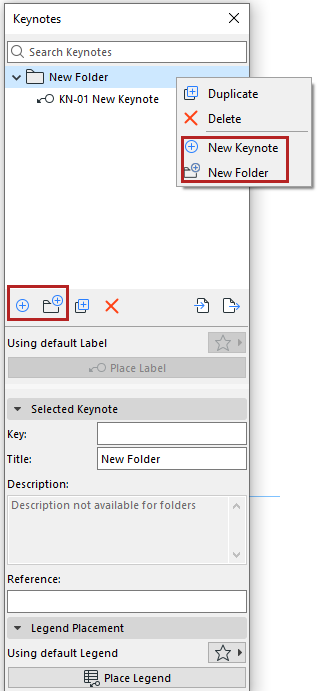
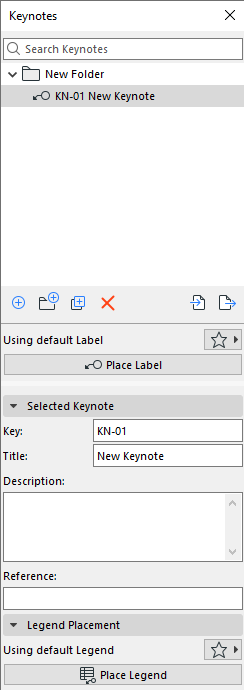
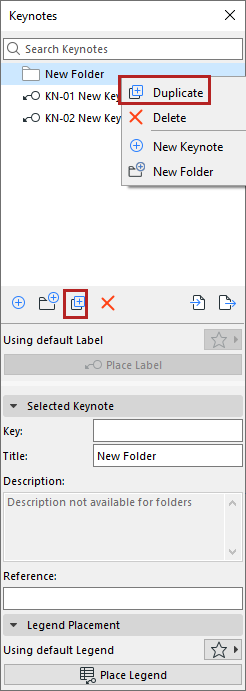
Create/duplicate Keynotes and Keynote folders
Use the buttons or context menus on the Keynotes palette.
- You can undo any of your actions
- Drag/drop Keynotes among folders and subfolders to organize them
- As needed: Expand or collapse all sub-items in a selected folder, using context menu commands
- The first Keynote automatically gets a default Key (letter + number). The next Keynotes are numbered sequentially.