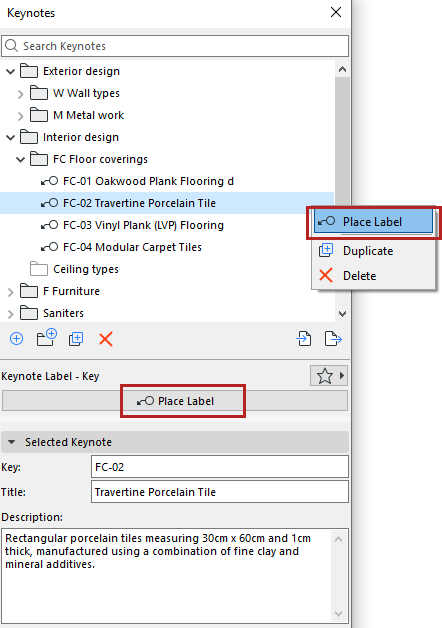
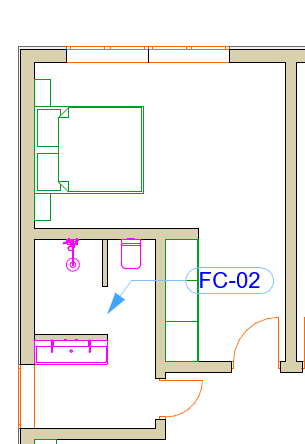
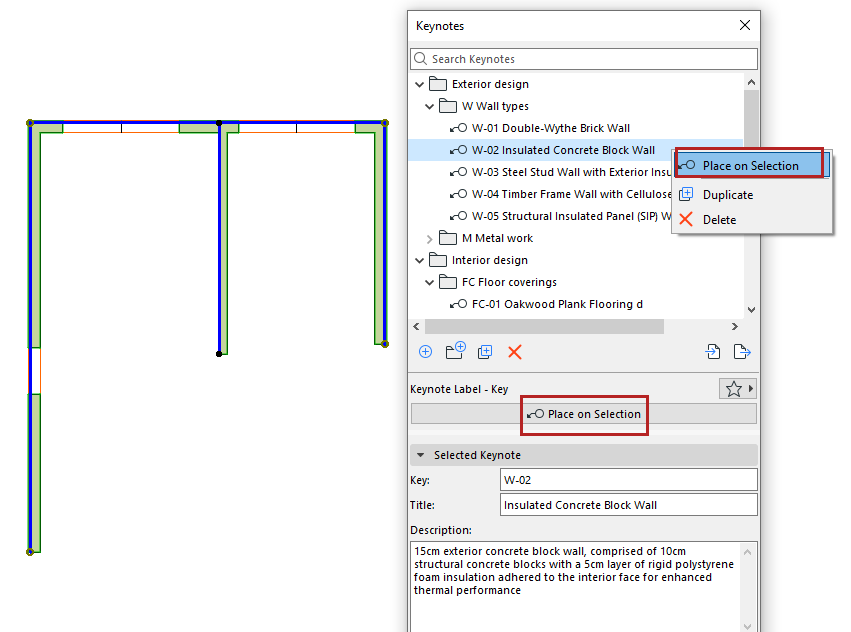
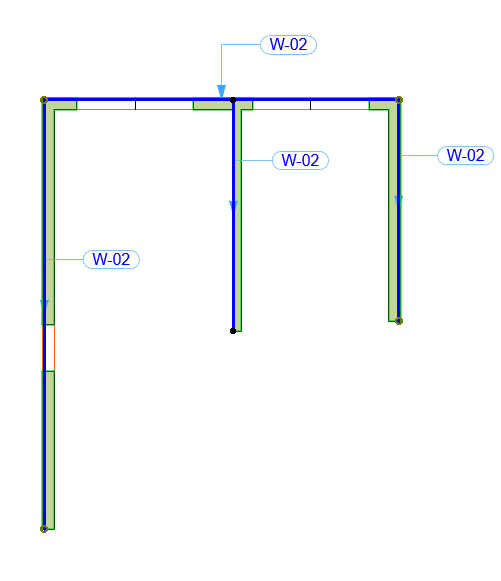
Place Keynote Labels Use the Place Label feature from the Keynotes palette, in several ways: Select Keynote, Place Label Select one or more Keynotes from the palette Click “Place Label” from the palette, or from the context menu Click an element or anywhere in the drawing area Double-click Keynote, click to place Double-click a Keynote from the palette (single selection only) Click an element or anywhere in the drawing area Select elements, then place Keynote Select one or more elements from the model Do one of the following: Click “Place on Selection” from palette or context menu Double-click a Keynote from the palette Parent topic: Keynotes