Working Online/Offline in Teamwork
At the top of the Teamwork Palette, you can view your online status:
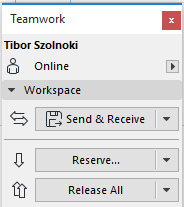
The client machine must be online to use the following Teamwork functions:
If the client is offline, interface items relating to these functions will be grayed.
To work Offline, click “Work Offline” from the pop-up arrow at the top of the Teamwork Palette.
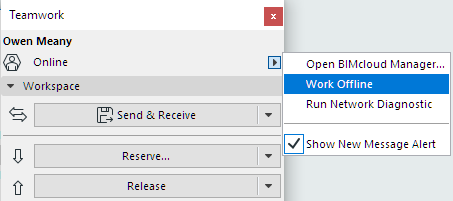
Click this command once more to go online again.