Create Issue from Model Compare Change List
The Model Compare function provides a list of changes between two models. Changes are identified based on “new”, “modified”, and “deleted” 3D elements.
For details, see Model Compare.
From the Model Compare palette’s Change List:
- Select one or more listed elements.
- Use the context menu to Add to New Issue.
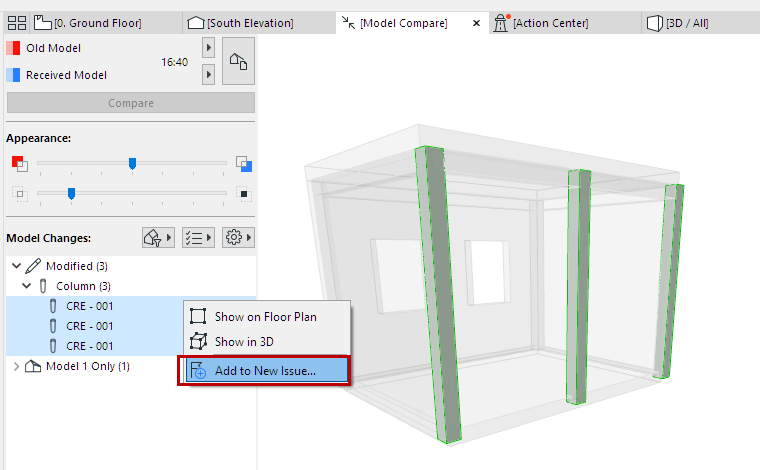
- The new Issue is added to Issue Organizer.
To manage or accept elements of the Issue:
See Suggestion Elements in Issue Manager (Highlight, New, Modify, Delete).