Subscribe to Changes in Project Data
Use this Subscription Type to track changes in project data (e.g. attributes or properties), rather than elements.
- Go to Teamwork > Change Tracking
- In the appearing dialog, click the New Subscription icon (or right-click anywhere in the dialog box).
- In the New Subscription dialog, choose Project Data.
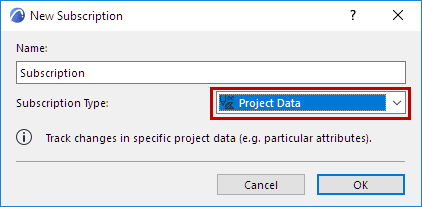
- Click OK.
- Review the list of project data types. Check only the data that you want to track.
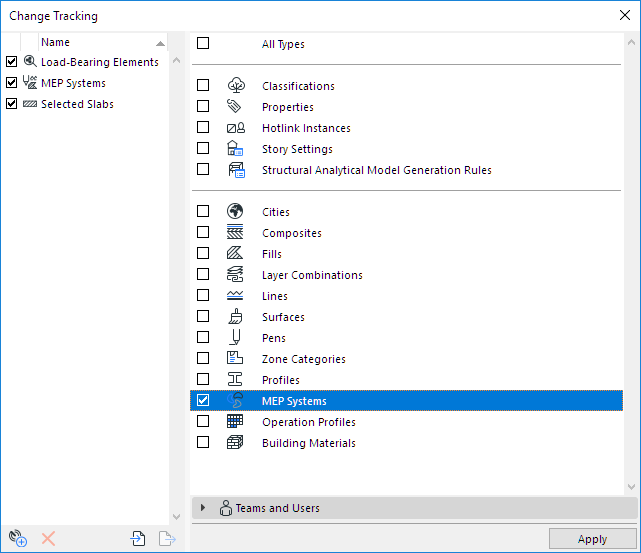
- You can fine-tune this subscription by user.
- Click Apply to activate tracking for this subscription.