Edit segment diameter - with pet palette
Change the diameter of a route segment (duct, pipe, or cable carrier).
- Select a route
- Click the reference line of the segment you want to edit
- From the pet palette, choose Edit Segment Dimensions.
- In the dialog, you can edit the segment shape (ducts only); its Table
of Dimensions; and the segment dimensions.
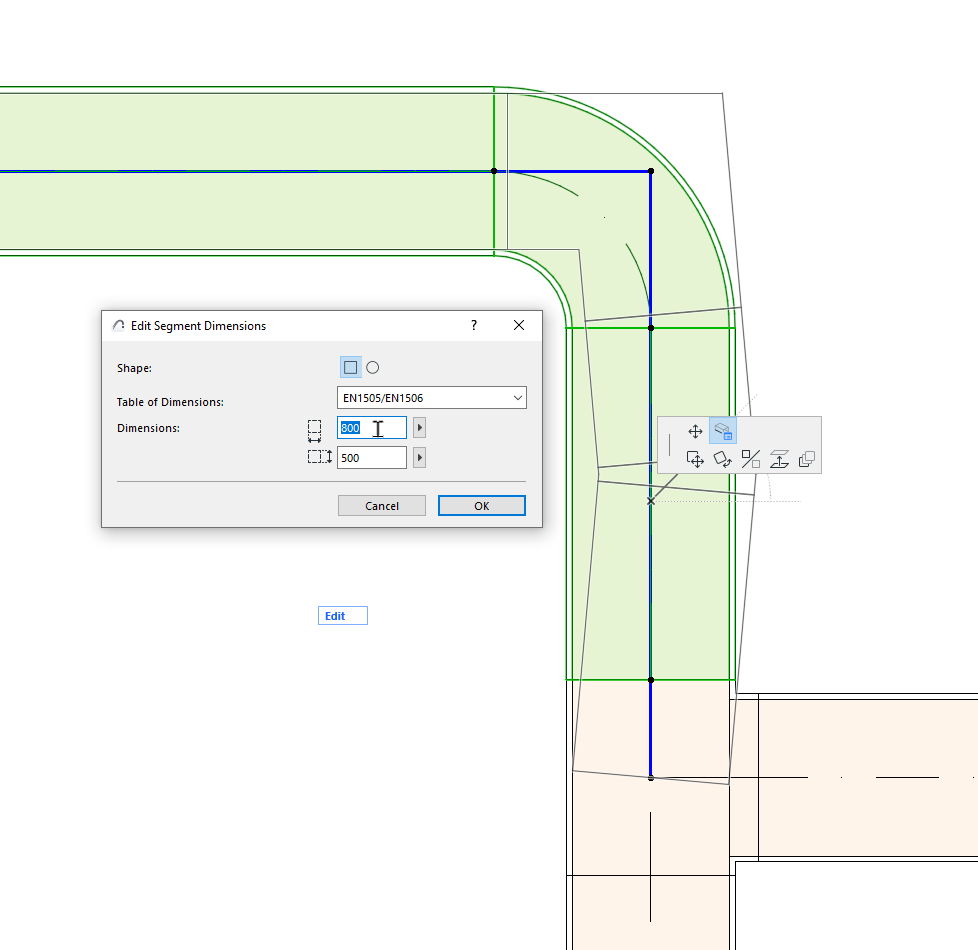
- Click OK to update the segment in the model.
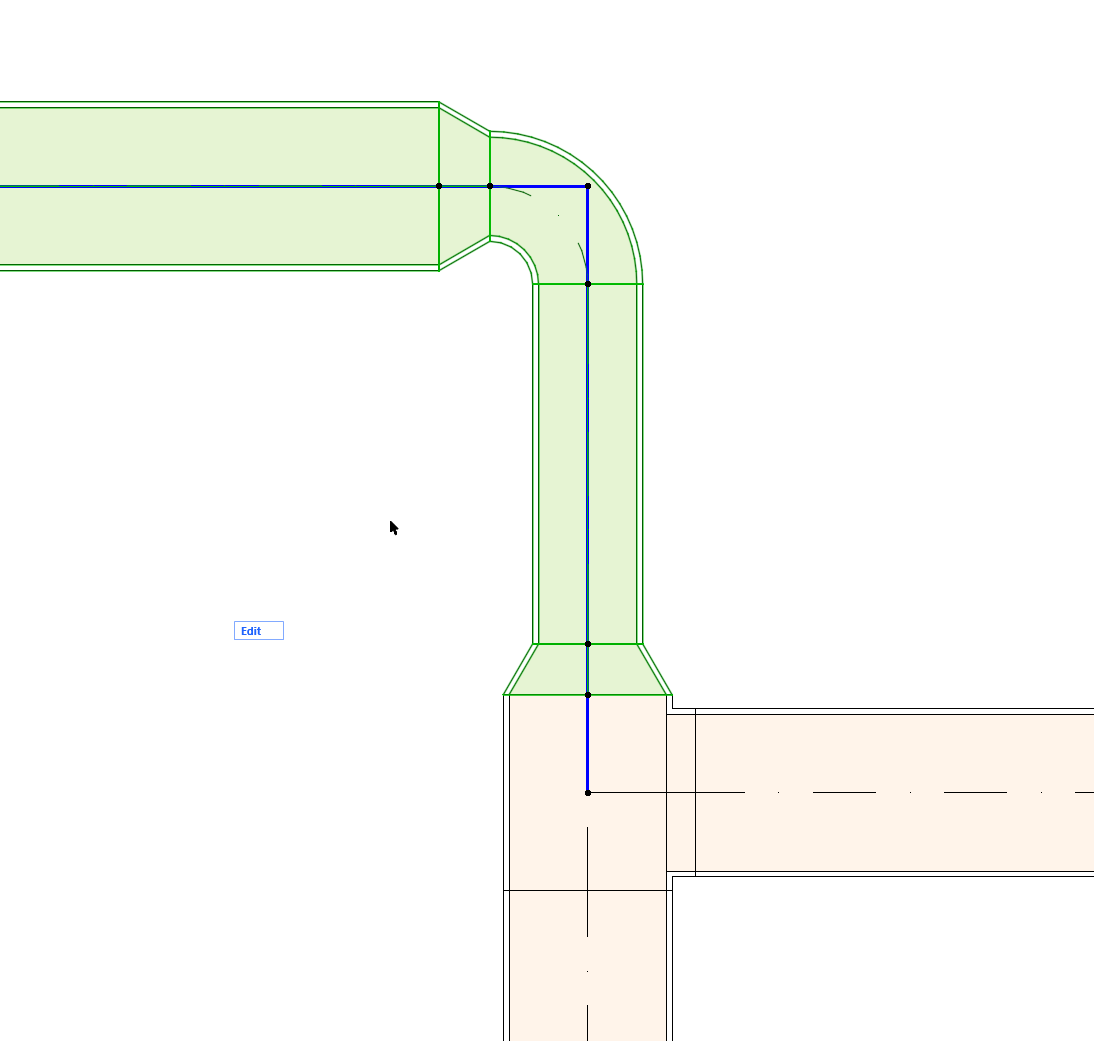
The available dimensions refer to the selected the Table of Dimensions (defined at Options > Project Preferences > Route Specifications.)
See also Duct Size Optimizer.