Edit MEP connection ports
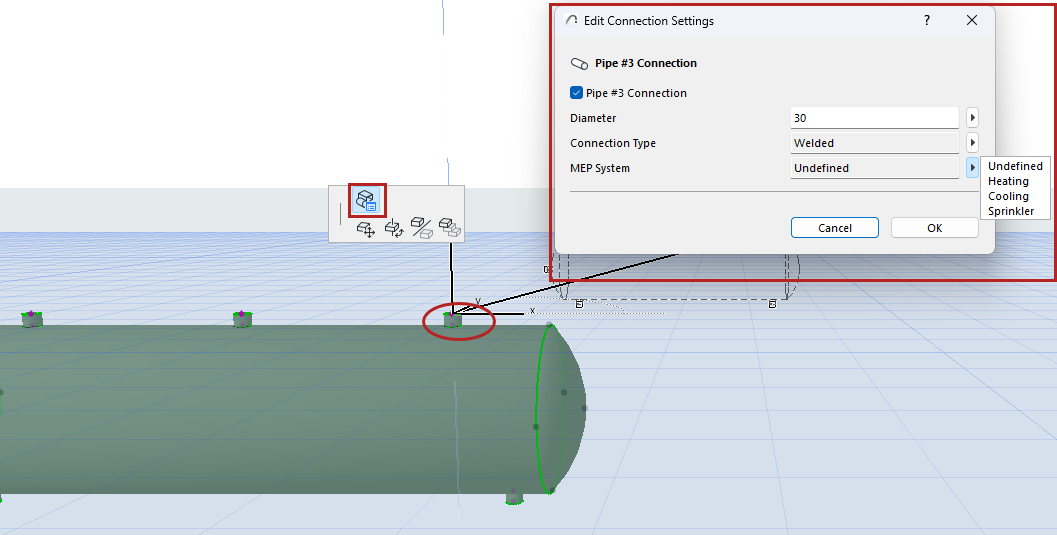
For Accessory, Equipment, and Terminal elements: You can easily edit their connection ports:
- Select the element.
- Click on the port to edit.
- From the pet palette, choose Edit Connection Settings.
- Use the dialog to set options.
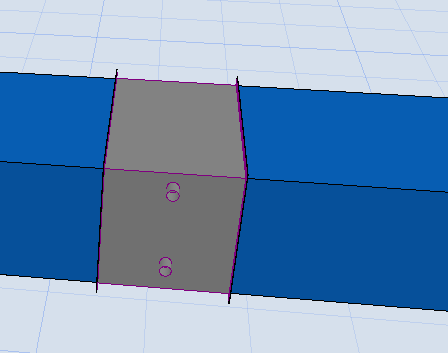
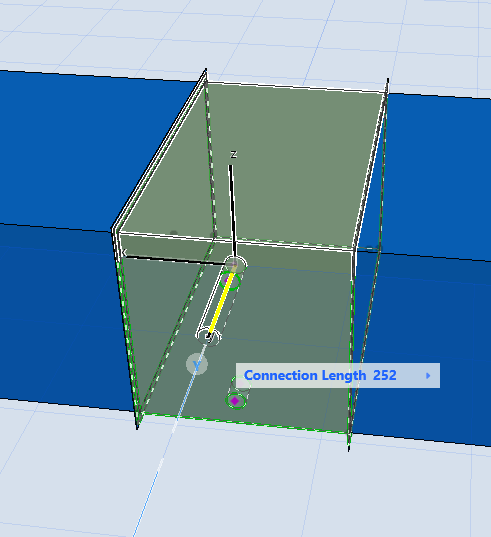
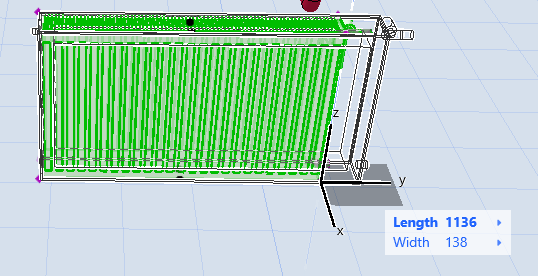
Use the graphical editing nodes to adjust connections and element geometry.
|
|
|