MEP Work Environment
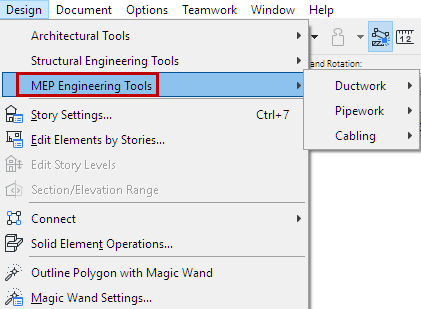
To access the MEP-related interface, use Options > Work Environment > Apply Profile > MEP Engineering Profile.
The MEP toolbox displays the MEP tools (also available from the Design > MEP Engineering toolsmenu), plus general and essential architectural tools, to support accurate modeling within the building structure.


On-Screen Options for MEP Modeling
At View > On-Screen View Options: Turn on view toggles to help you create an accurate MEP model:
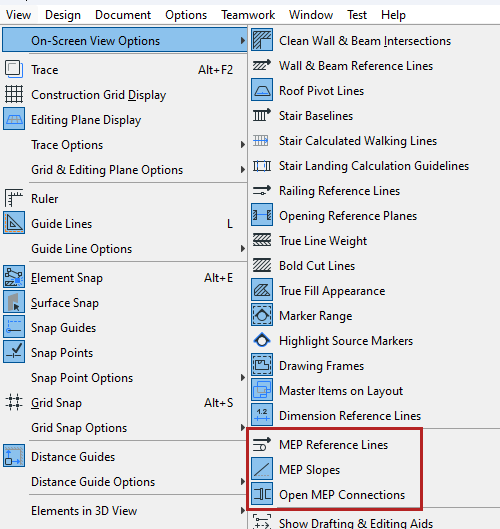
The same commands are also available from the MEP toolbar:

Show transparent architectural model while modeling MEP
You can show the architectural model as transparent while modeling MEP systems. This makes it easier and faster to route and coordinate, without losing sight of the architectural context.
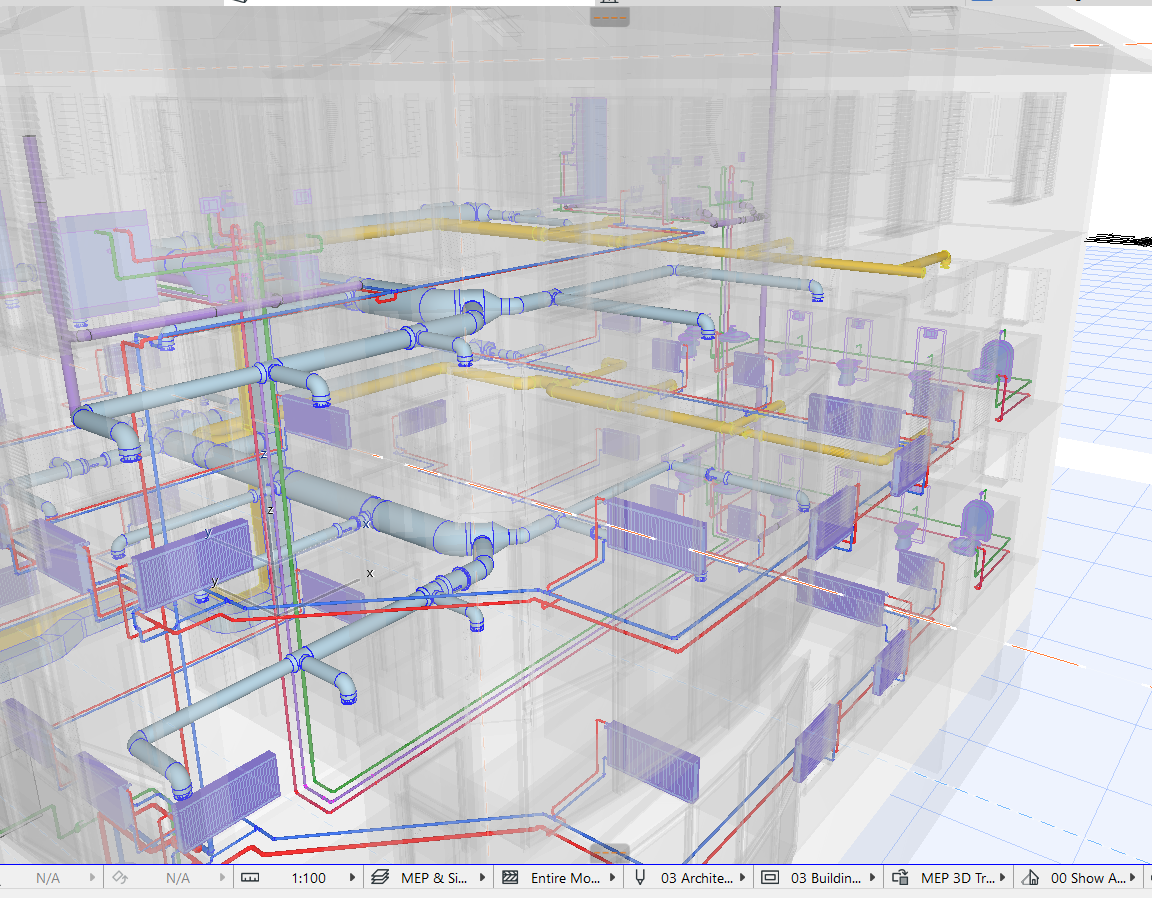
Use the "Transparent Architecture" Graphic Override Combination. With Graphic Override Rules, you can set the desired transparency for each architectural element.