Set up Tables of Dimensions for Segment, Elbow, Branch, Transition
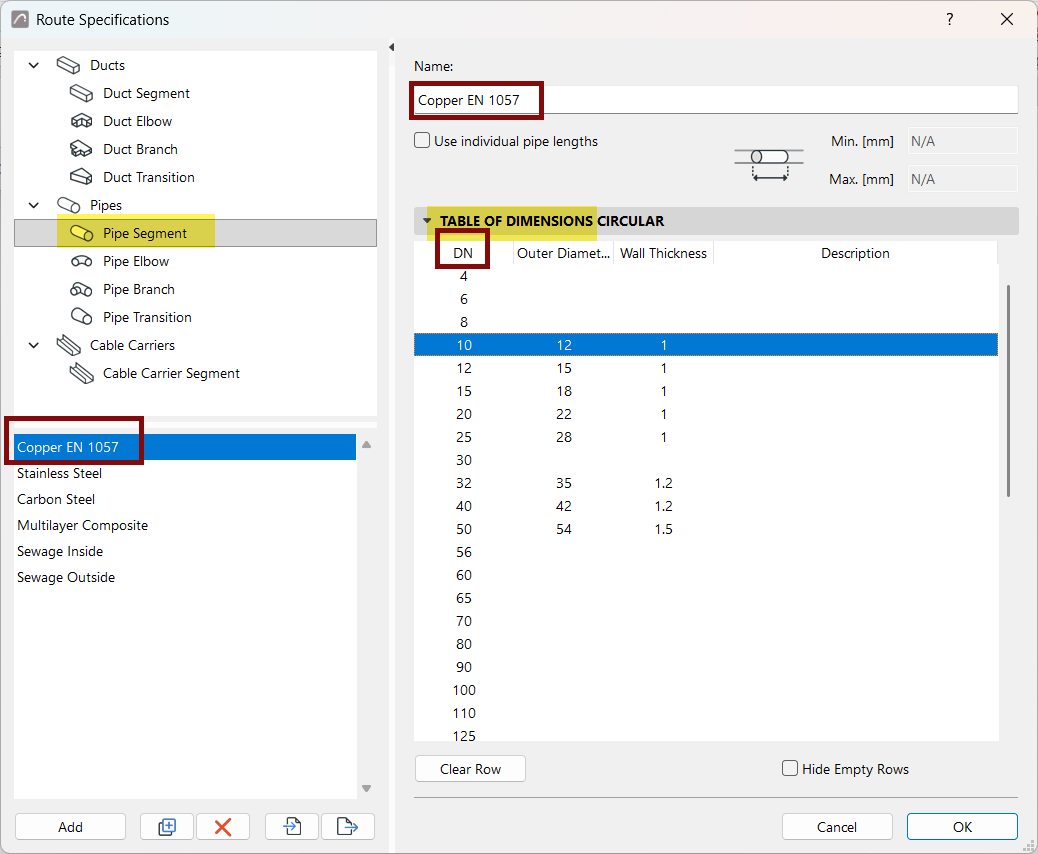
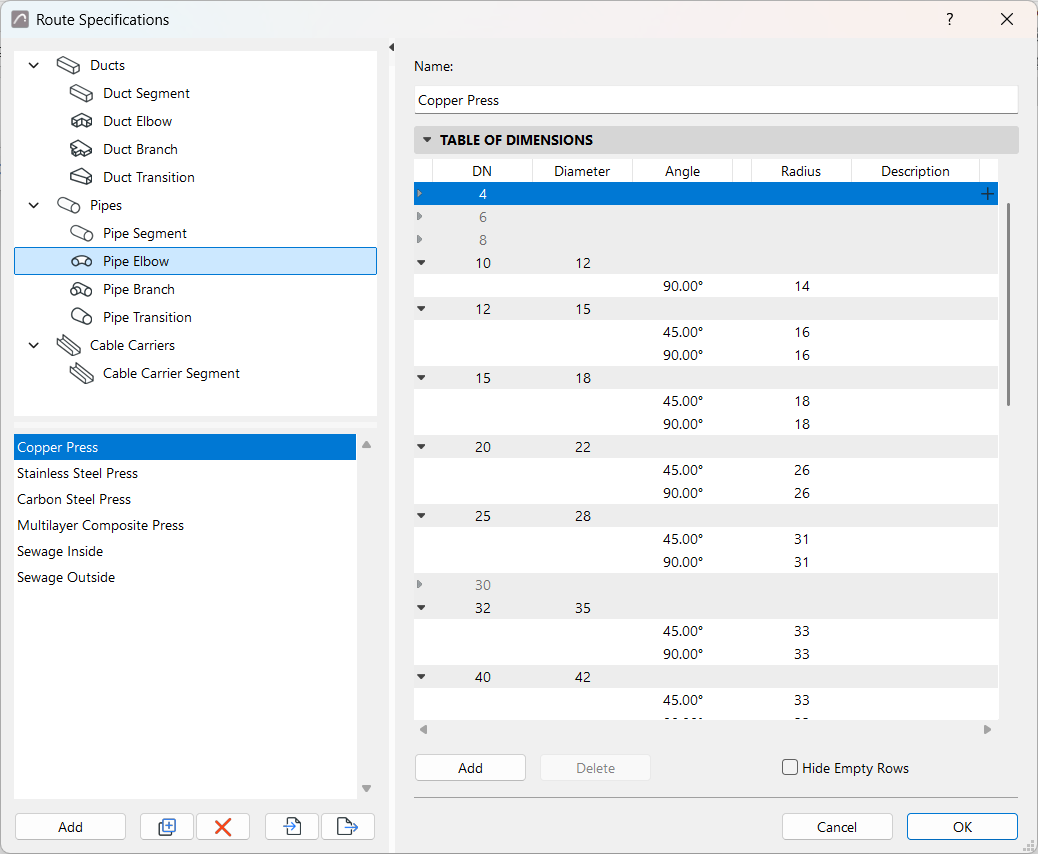
In the Route Specifications, select a MEP element type. Here, you can create or edit its preset tables of dimensions.
- The listed items (e.g. DN items) come from the Reference Set. (see Create Reference Sets for Ducts and Pipes)
- Set desired dimension values for each, as needed.
- The MEP element type can have multiple preset tables of dimensions - click Add or Duplicate to create additional tables.
- Some rows may remain empty if you don’t use that item. Check “Hide empty rows” to display only the used items.
- Duplicate and edit any table of dimensions to create new ones and edit
their values.
Use individual lengths
Define Angle Bends
Configure any standard angle parameters for elbows and branches of pipes or ducts.
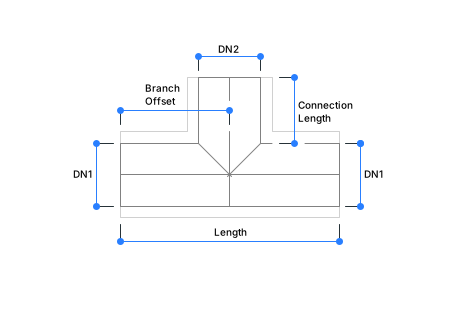
Set Branch dimensions
Branch dimensions include multiple parts: