Clear Row: Delete DN Value for Duct or Pipe Segment
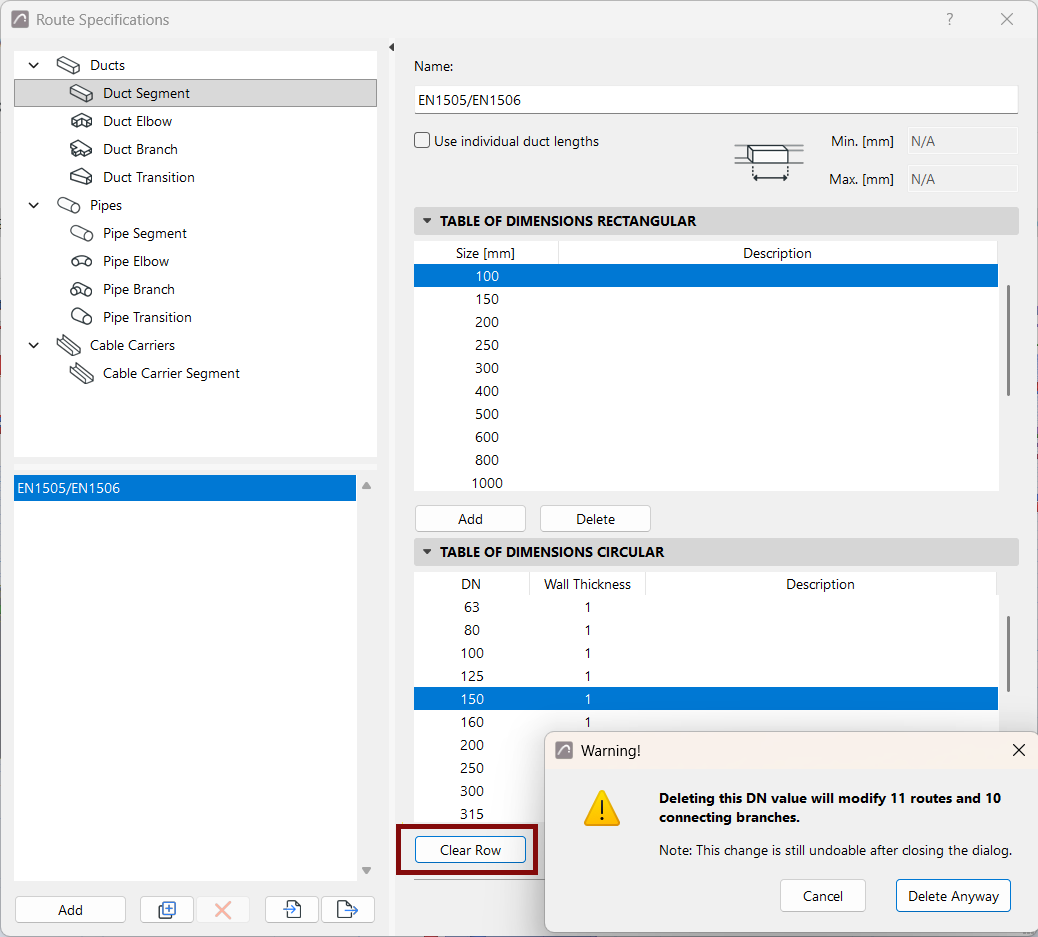
When duplicating and editing tables of dimensions: Use the “Clear Row” command on the duct or pipe segment page to delete unneeded entries.
As a result, you may have to reassign element dimensions for existing model elements.
For duct or pipe segment:
- Select a DN row from the list.
- Click the Clear Row button: This deletes the selected values. The DN is no longer available to assign to model elements.
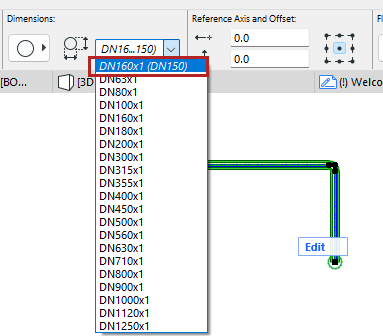
- Existing model elements using the deleted DN are automatically assigned a new DN value (the next larger one in the list.)
- For each affected model element, the current and previous DN data is
listed in italics. Of course, you can reassign their DN definitions as needed.