Branches and Takeoffs
Build up your MEP route intuitively: Select a MEP tool, then click on the existing route to add branches, takeoffs, etc.
See also Edit route graphically.
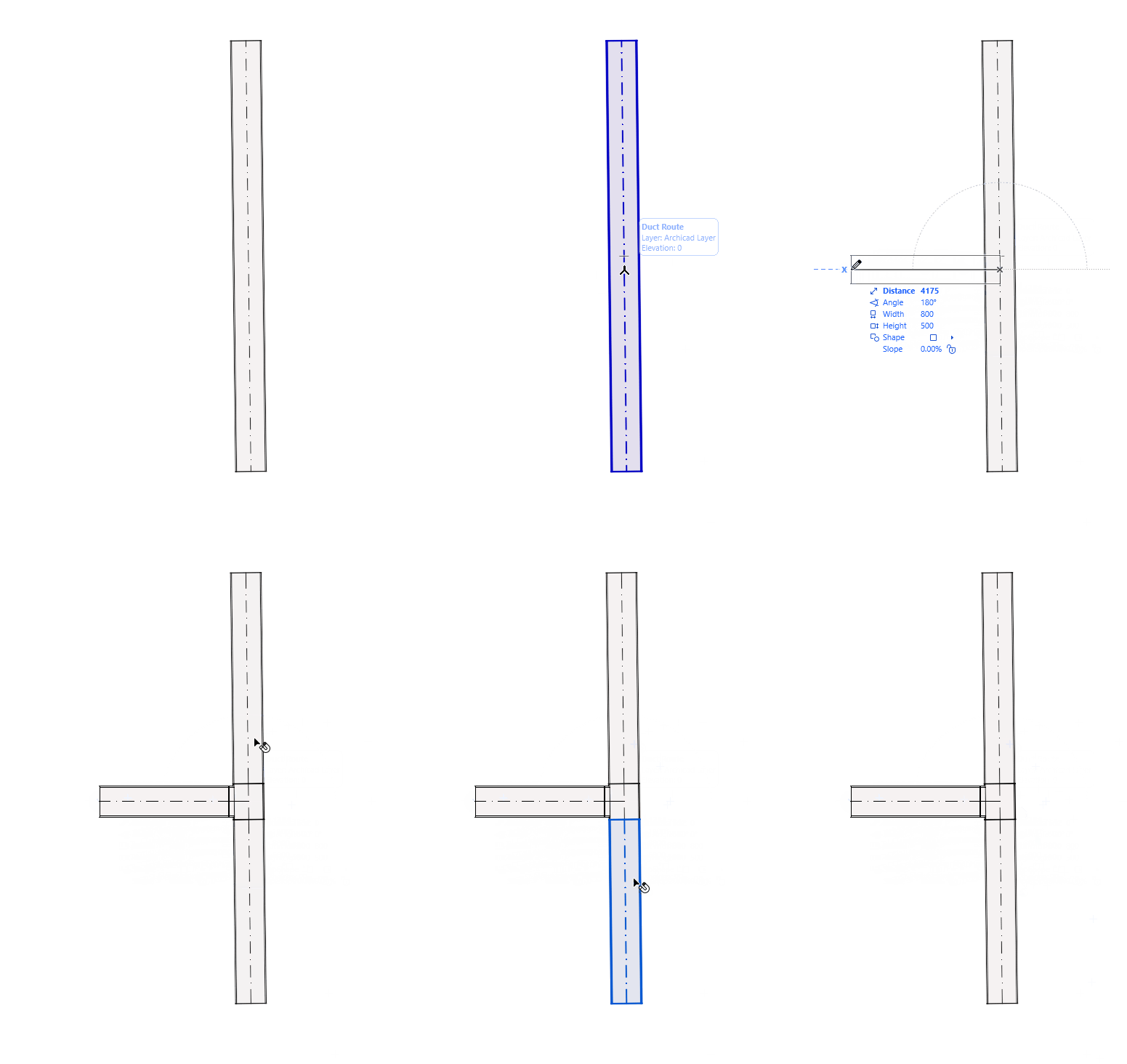
Add Branch automatically by connecting routes
When you connect a duct or pipe to another duct/pipe, a branch is inserted automatically.
The original route is split into multiple route elements.
You can connect routes even if they have different MEP System types.
Both connected parts stay on their respective MEP System type.
For example: connect the Potable Hot Water pipe system to Potable Water Recirculation, or connect wastewater with wastewater ventilation system.
Watch the Video: Connect pipes from different systems
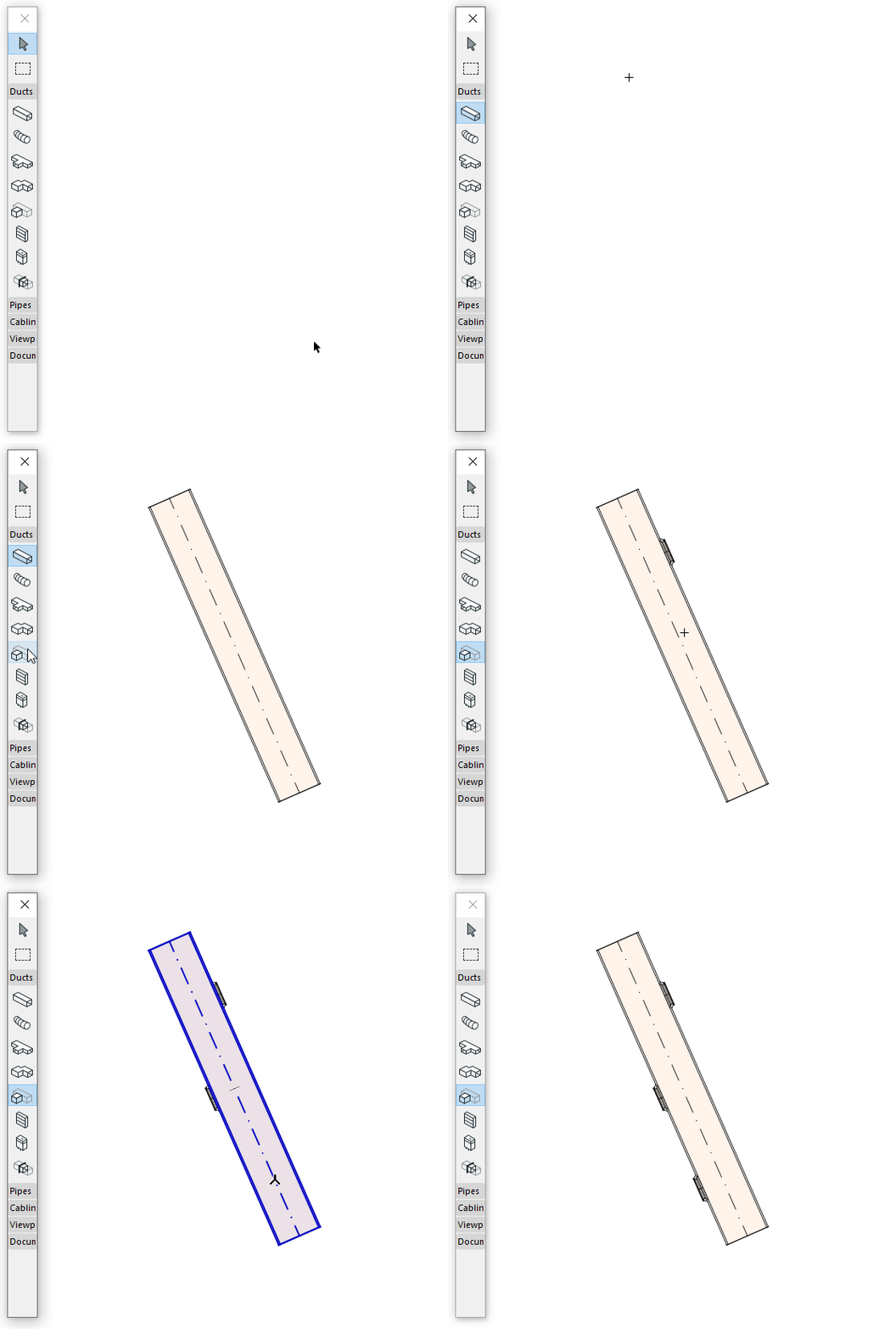
Add Duct take-off
Use the take-off tool to place a take-off element, then connect a duct to it. A transition element is created automatically.
Automatic elbow-to-branch conversion
When adding a new pipe route segment starting from an existing elbow, the elbow is automatically converted into a tee or branch fitting. This conversion works even if the new pipe has a different diameter from the existing one.