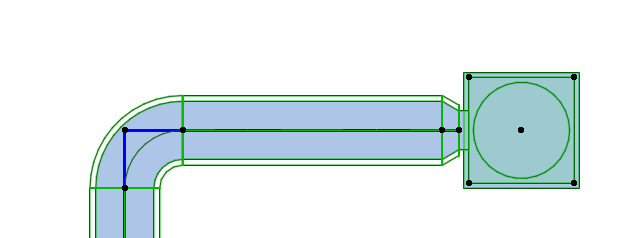
Resolve broken MEP connections
Use this feature to detect and correct broken connections.
In MEP workflows, a system can appear correct in the model while still containing broken
logical connections. Some examples:
- You copy a route, then connect it to an element with a different-sized connection. The transition cannot be generated, resulting in an open connection.
- You resize an element in a formerly valid connection, so the connection breaks
- You change the MEP System of a route that has connected elements: if they have different sizes, the transition can't be generated
- After resizing, you run a calculation requiring a transition element that cannot be generated or inserted
The "Resolve MEP Connections" command can resolve these by automatically creating transitions where required:
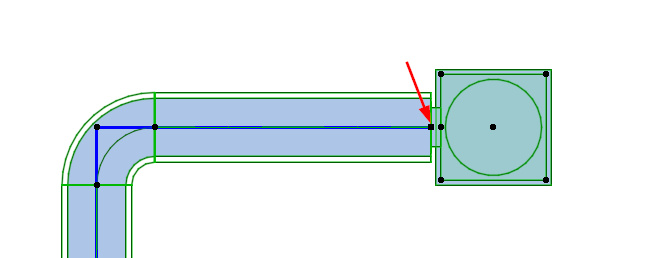

Select the elements, then click Resolve MEP Connections from the MEP Toolbar or context menu.