Electrical Model View Settings
When electrical panels and electrical devices are assigned to circuits, you can visualize the circuits in the model.
To access this dialog, go to Document > Model View > Model View Options.
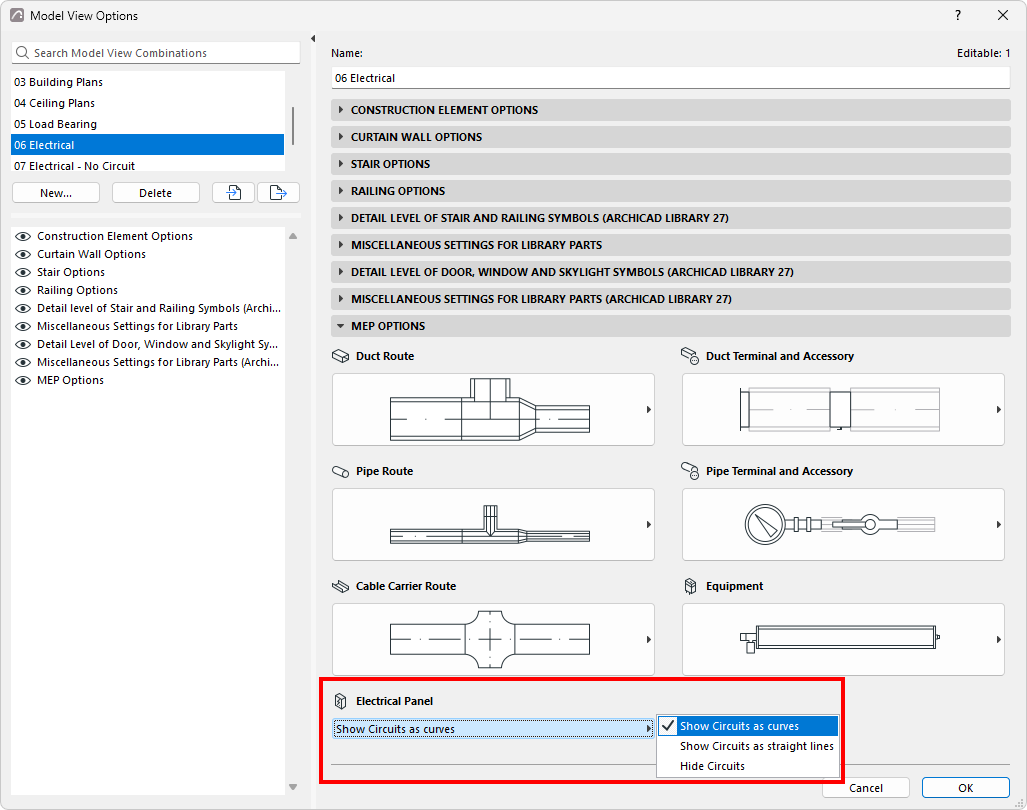
Use the Electrical Panel control, on the MEP Options panel of Model View Options, to specify how to visualize circuits on the floor plan:
- Show Circuits as curves
- Show Circuits as straight lines
- Hide Circuits
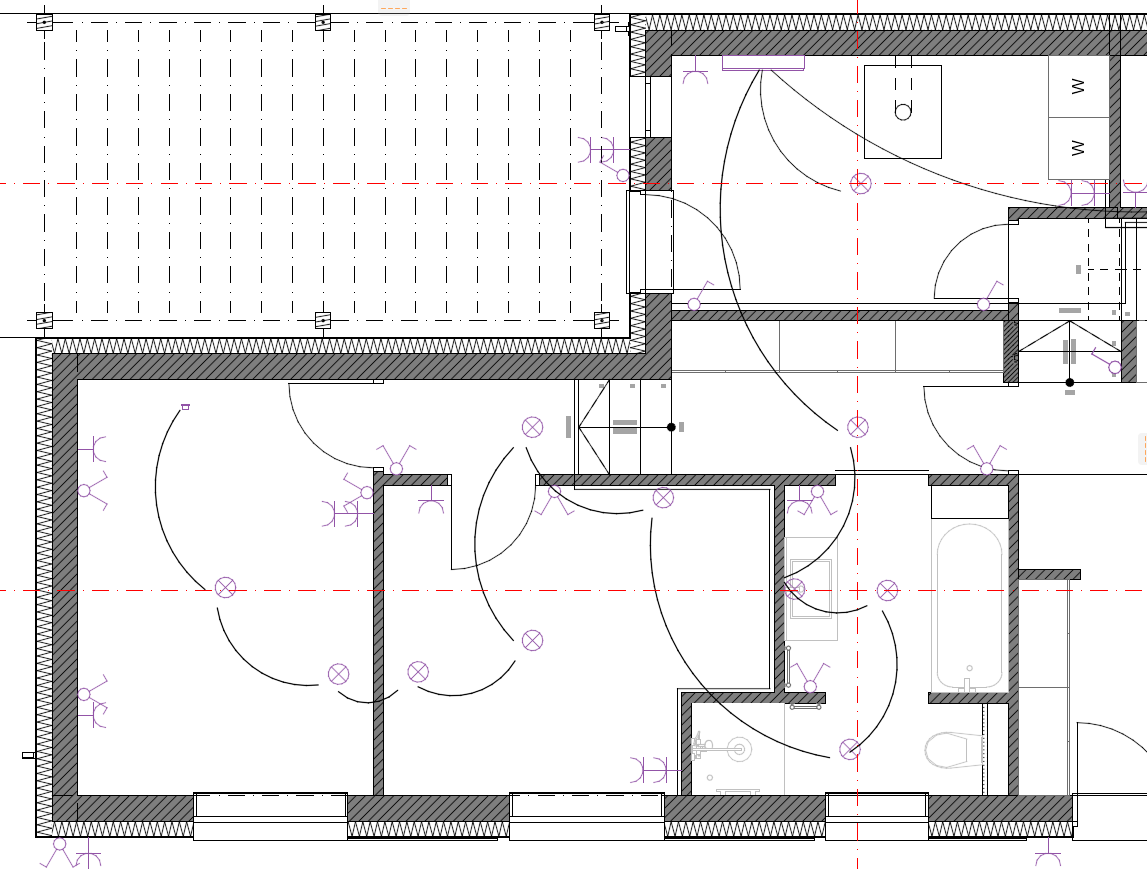
Note: The routing of Electrical circuits is automatically determined by
MEP Designer.