Select destination folder
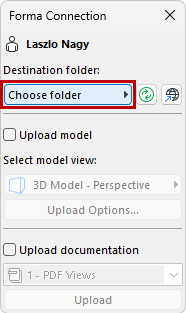
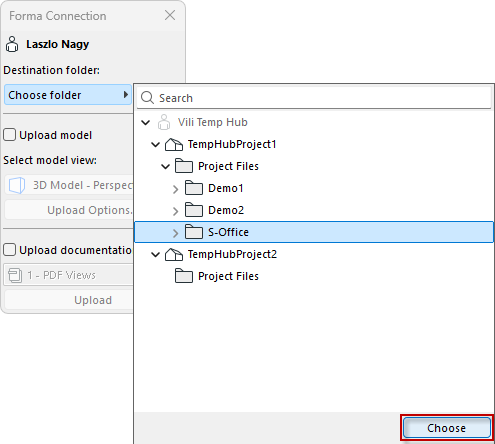
Choose one of the folders located on Autodesk Forma Data Management. This list shows all available folders and projects the user has permission to access and upload to (as set in Forma).
Choose one of the folders located on Autodesk Forma Data Management. This list shows all available folders and projects the user has permission to access and upload to (as set in Forma).