Workflow 2: Upload Documentation
Use this workflow to export a stored Publisher Set and upload the resulting files to Forma, which serves as a file storage and management system. When existing files are uploaded again, new versions are added automatically in Forma.
-
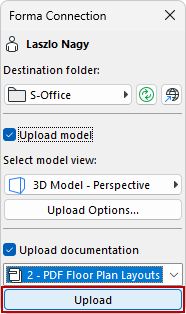
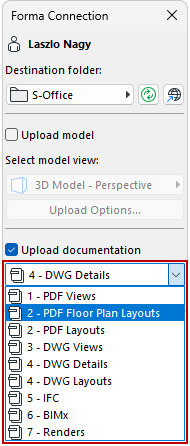
Check the Upload documentation checkbox, and choose a Publisher Set to send drawings and other files.
-
Click Upload to publish the set and upload the generated files to Forma.
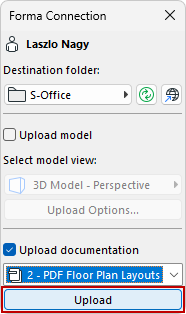
Note: A progress indicator shows the status. Generation and upload time depend on the size of the Publisher Set.
You’ll get a message when the upload is complete.
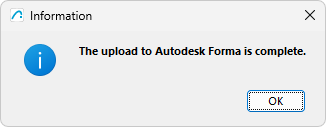
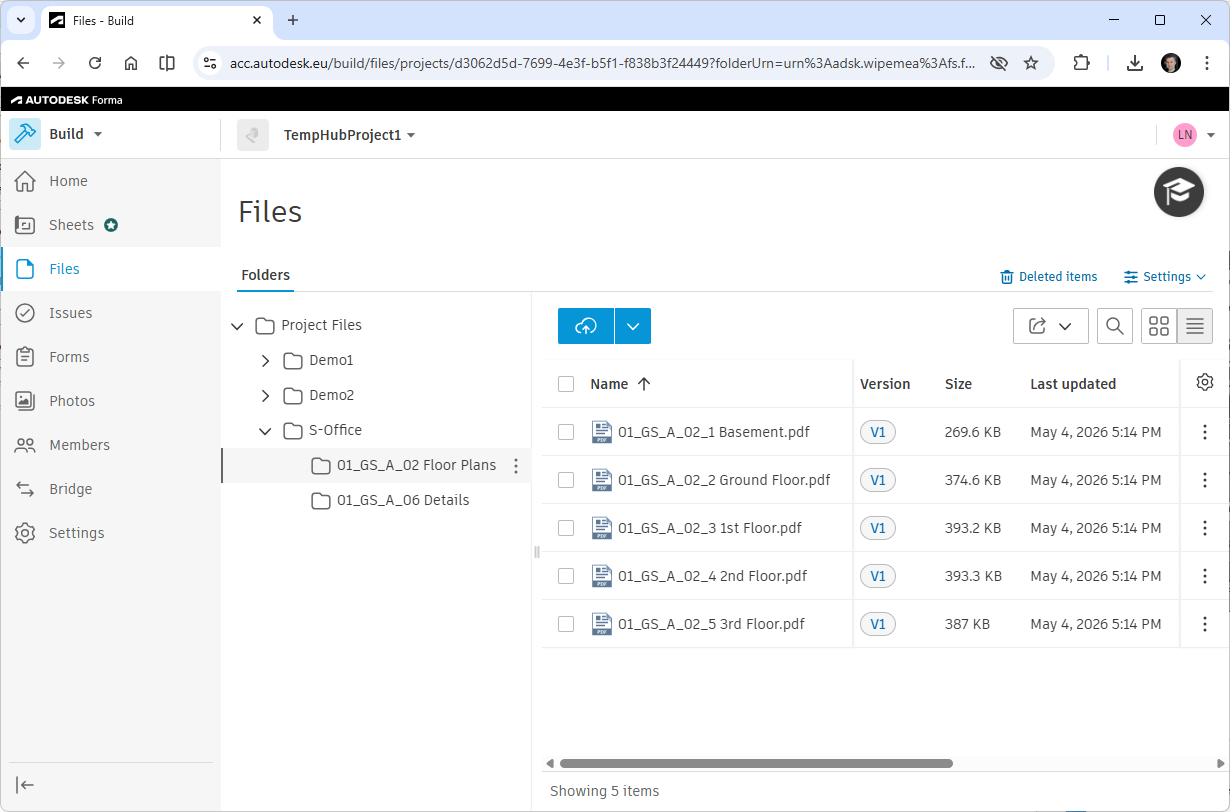
After completion, the Data Exchange Model and files are available in the selected Autodesk Forma folder.
Note: You can use the two workflows at the same time by checking both the Upload model and Upload documentation checkboxes. Archicad will first upload the model, then generate the Publisher Set and upload the documentation files.