Renovation Palette
The Renovation Palette can be opened from Window > Palettes > Renovation Palette.
Use the Renovation Palette:
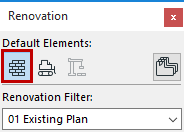
- to assign a Renovation Status to any number of selected elements
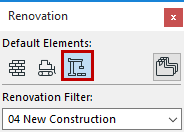
- to set a default Renovation Status for newly placed elements
- to switch the Renovation Filter of the current view
- to limit a selected element to a single Renovation Filter only
For general information on this feature, see Renovation.
Assign Renovation Status to Selected Element(s)
Assign Default Renovation Status
Switch Renovation Filter
From the Renovation Palette, click the desired filter from the Renovation Filter pop-up:
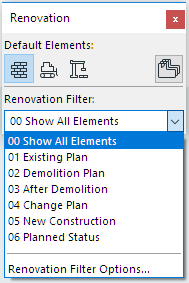
You can also use the Quick Options Palette to switch the Renovation Filter in effect.
Show on Current Renovation Filter Only
Use the icon at the top right of the Renovation Palette to limit a selected element to the Renovation Filter currently in effect.