Enter and search data
Select a field, then enter the desired value directly. Only "string"-type data is supported.
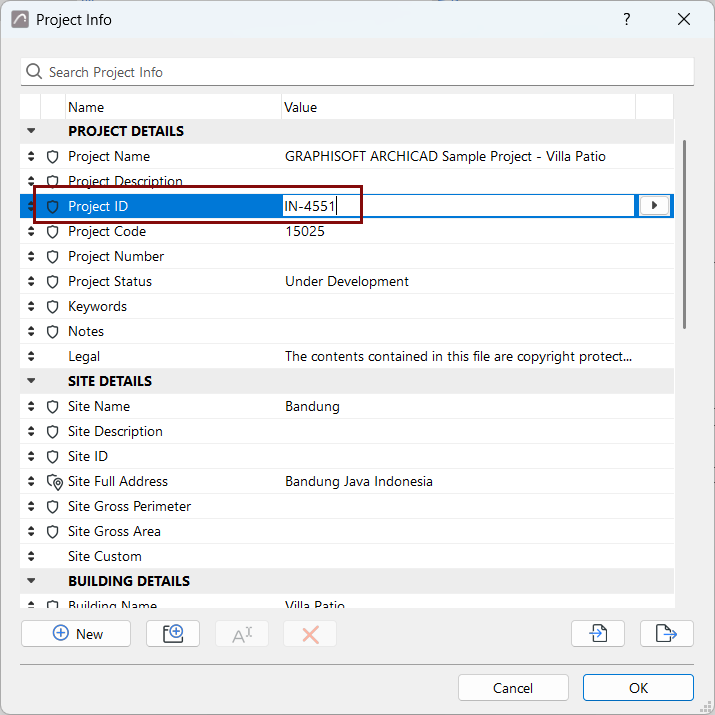
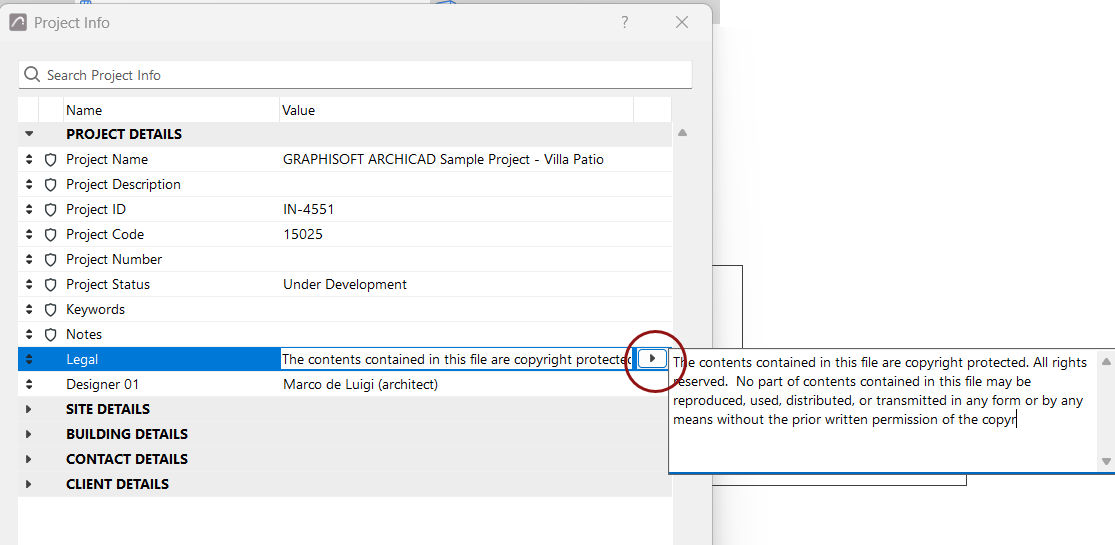
To insert and edit longer texts, including line breaks, click the arrow at the end of the field to write into the appearing window.
For some built-in fields (e.g. Site Full Address), additional fields are available from the pop-up:
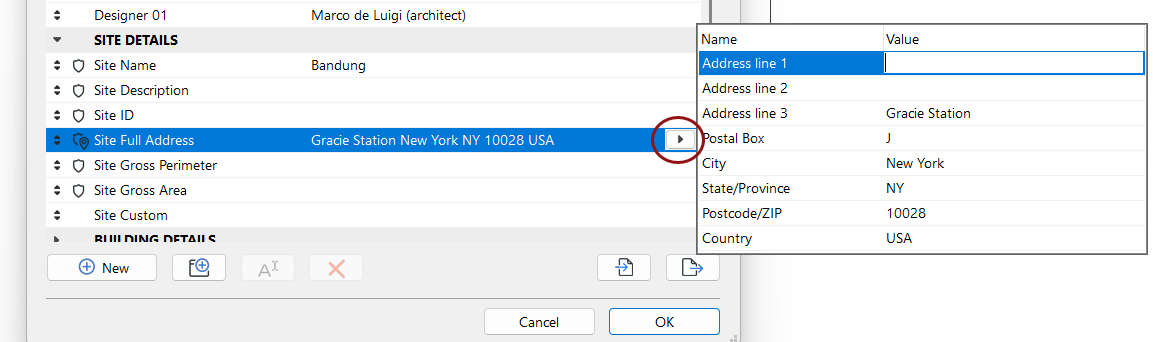
These additional field names are also built in and cannot be changed. You can use the additional field names individually, or use them all together by referencing the parent item (e.g. "Site Full Address").
Search fields
Use the Search bar to search for any Group or field name or value:
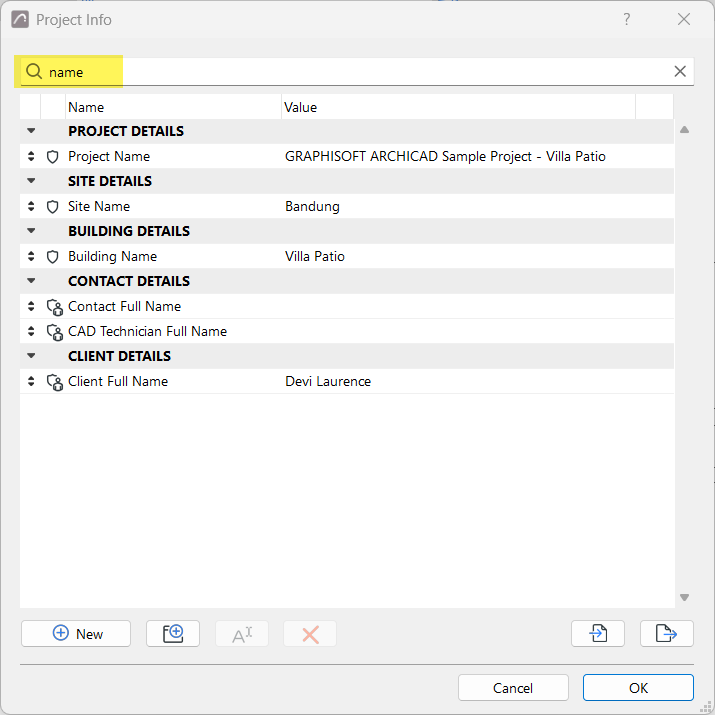
The found items are displayed together with their groups.