Object Preview Picture
These controls are available from the GDL Object Editor.
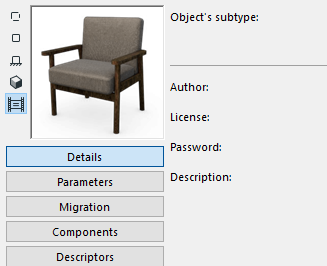
- Click the buttons to choose a display option for the preview: 2D Symbol, 2D View, Front, 3D, and Preview Image.
- With the Front or 3D display: Click in the preview window to rotate the image by 90 degree increments.
For info on how to generate a preview, see Preview Picture.