Hotspot Tool Settings
Hotspots are drafting aids to mark important nodes anywhere on screen.
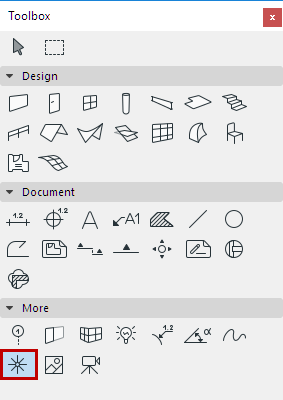
To add Hotspots to your plan, activate the Hotspot Tool and click.
For more information, see Hotspots.
Hotspot Color Panel
Click the Color drop-down menu to either type a Pencolor number (1-255) for the Hotspot in the text field or choose the appropriate color from the pop-up palette.
For more information on other options of this dialog box, see Working in Tool Settings Dialog Boxes.