When you find components that need to be fixed in Solibri, use Get
Selection Basket to easily select them in
MEP Designer.
- In Solibri, add elements to the Selection Basket.
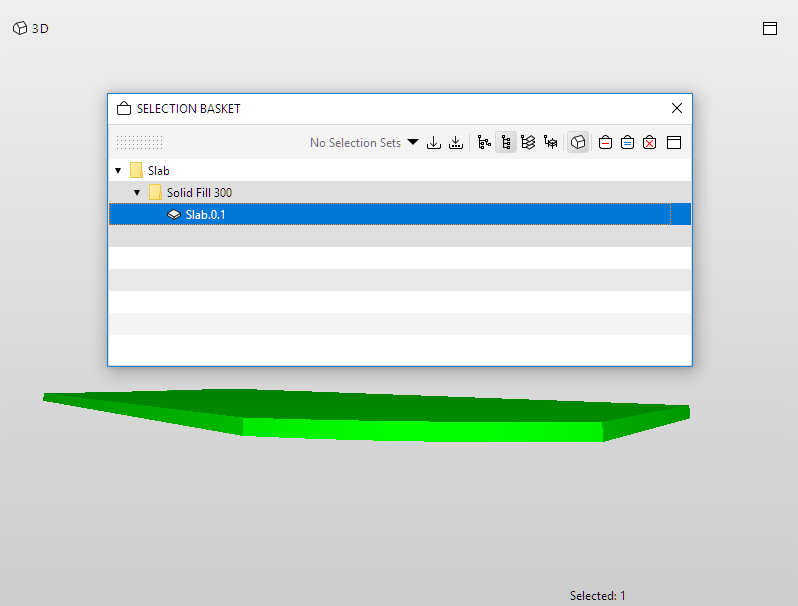
- In
MEP Designer, click Get Selection Basket.
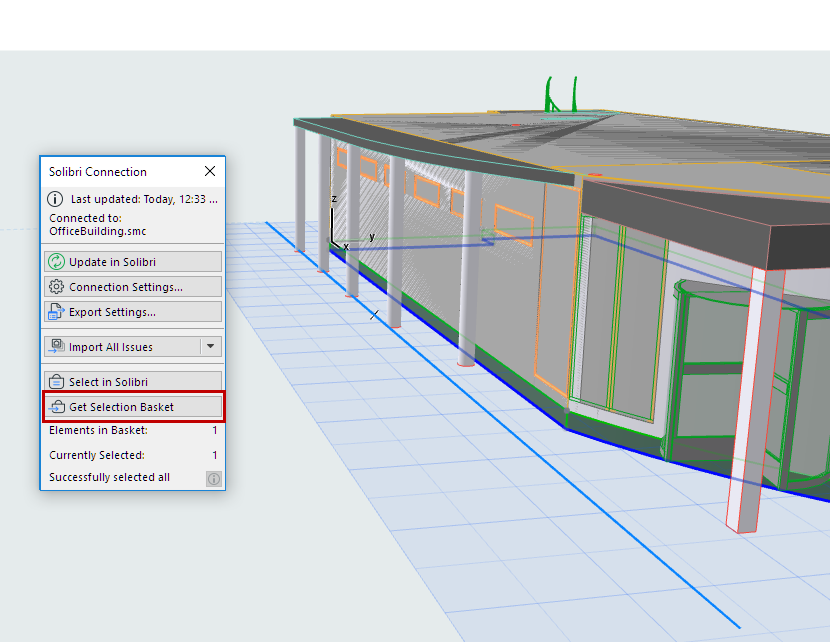
All components in the Selection Basket will be selected in
MEP Designer, provided that they are visible in the
current view.
Note: You can also opt to include the Camera position of the view. (With Solibri versions 9.12.1 and up only.)
The Solibri palette gives you feedback on
- the number of elements in the Selection Basket
- the number of elements currently selected in
MEP Designer
- whether any elements are not visible in
MEP Designer, and therefore cannot be
selected.