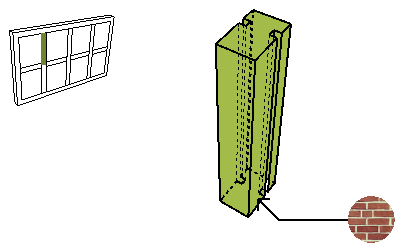
Parameter
Short Description
Long Description
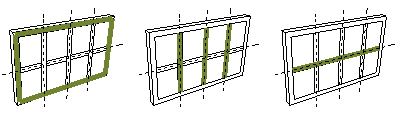
CW Frame Class
Boundary, Mullion, Transom, or Custom
Boundary Frames are those along the CW Boundary.
Mullion vs. Transom: Use the settings in Curtain Wall System Settings - Member Placement Panel to define which Frames are Mullions and which are Transom. (Columns vs. Rows of the gridline.)
“Custom” Frames have been individually customized using Frame Settings, accessible through Curtain Wall Edit Mode.
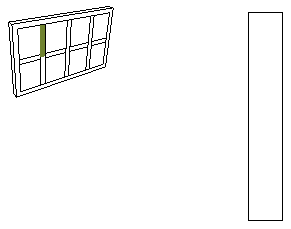
CW Frame Depth
Depth of the Frame profile.
Defined in the Frame Type and Geometry panel of CW Frame Settings.
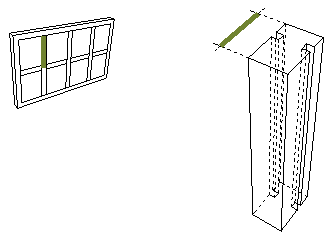
CW Frame Location
Location of the Frame: Boundary; Along Columns or Along Rows.
CW Frame Type
Frame Type (e.g. Butt-glazed, Generic)
Defined in the Frame Type and Geometry panel of CW Frame Settings.
Surface
Surface defined for the Frame, for each Frame Class separately, in the Model panel of CW Frame Settings.
For Frame Types which are GDL Objects, the surface is defined in its GDL script.