Fit to view
Show the entire model, layout or highlighted element by adjusting the camera
In a 2D document or 3D model:
- Click the Views quick-menu (in the screen’s bottom right corner).
- From the appearing commands, click the Fit to view icon or press the 1 key.
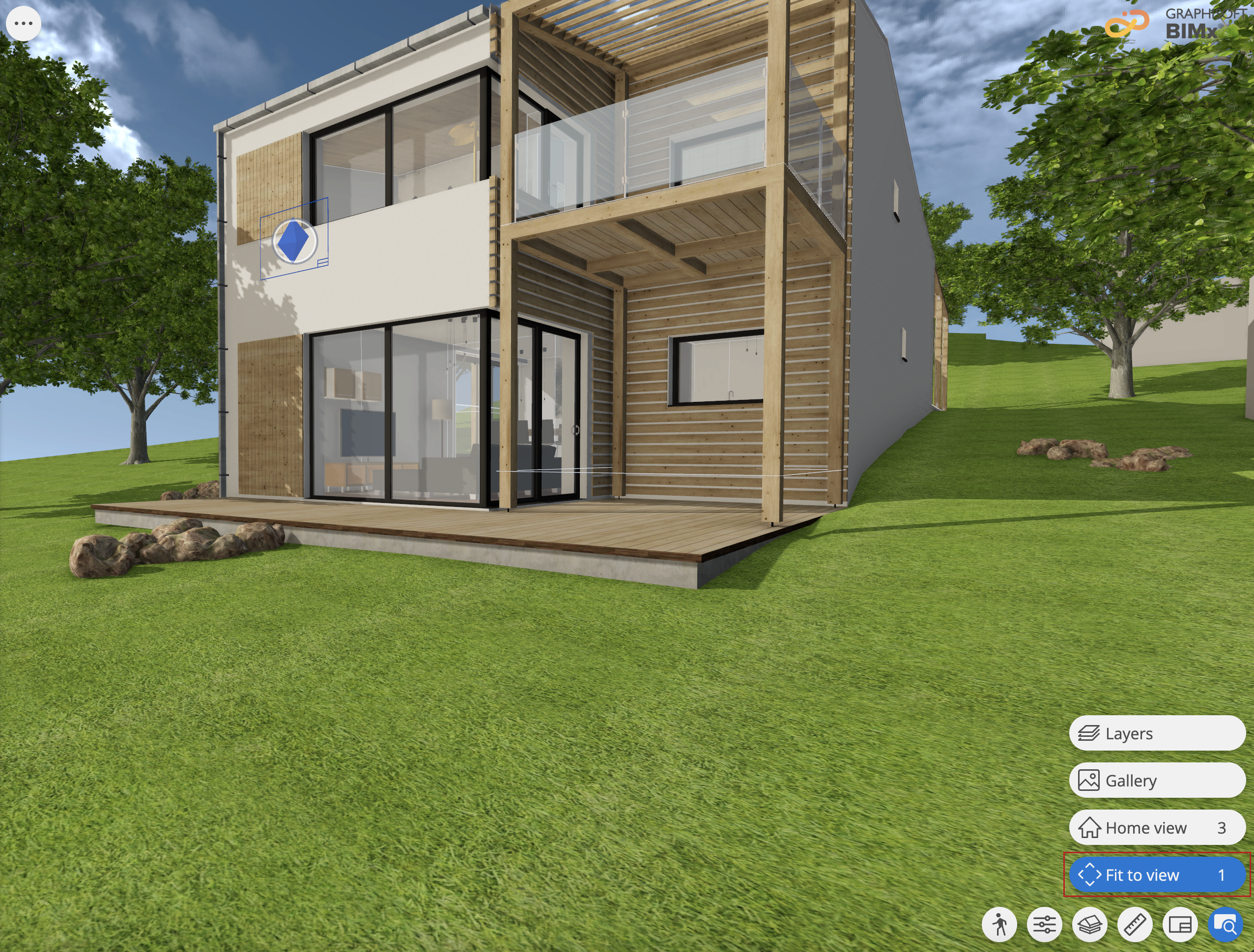
To fit an element to view;
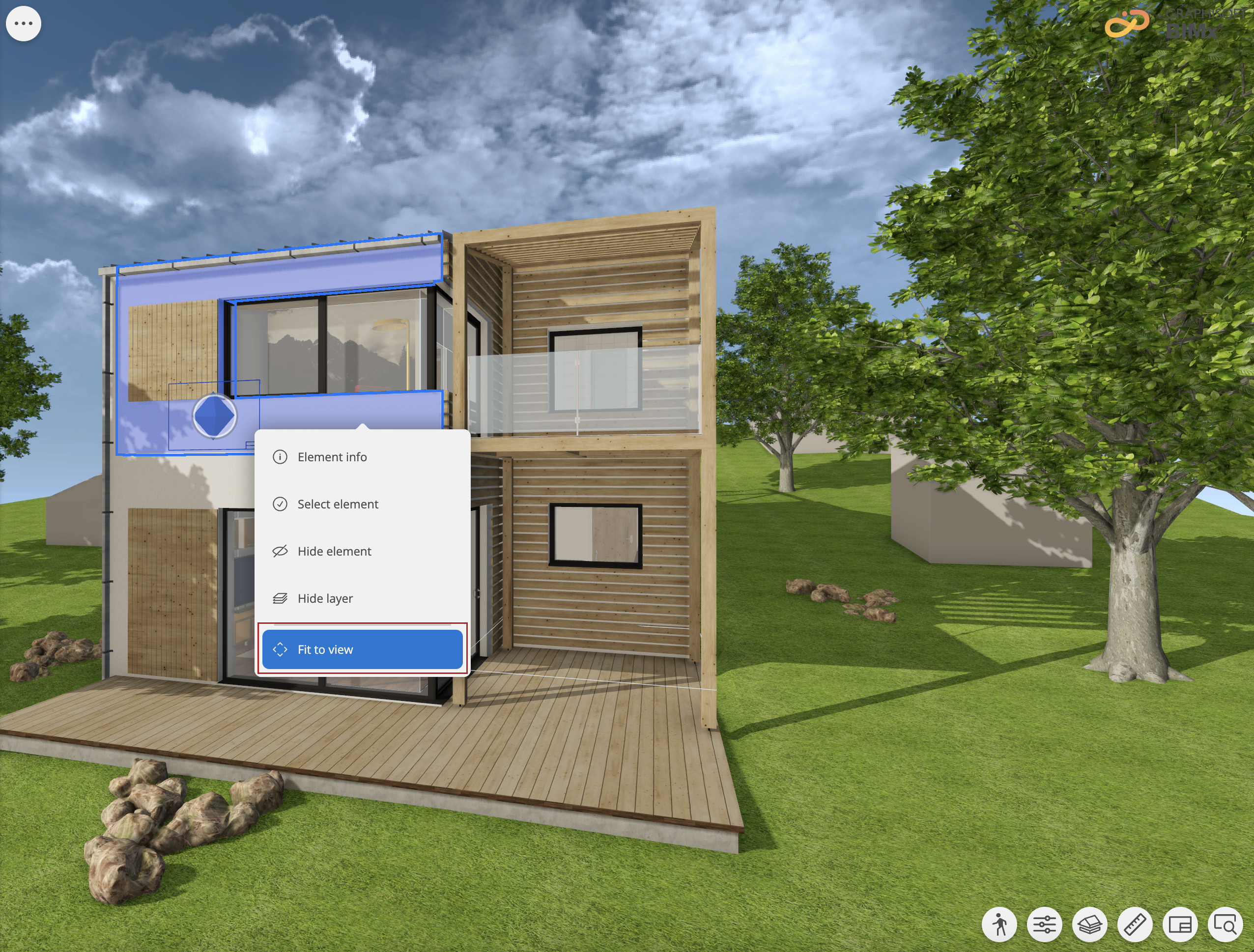
- Right click the element
- select Fit to view from the element context menu
Note:
It is not a predefined view.