Display Architect Credits in BIMx
Display the logo and URL address of the architectural firm who designed the project
Optional feature. This information must be set up in Archicad, before you save or upload the BIMx Hyper-model.
- In Archicad, add the logo and URL information, then make sure to include it as part of the exported BIMx Hyper-model. See Architect Credits in BIMx in Archicad Help.
- Open the BIMx Hyper-model. You will see the Architect Credits displayed while the 3D is loading.
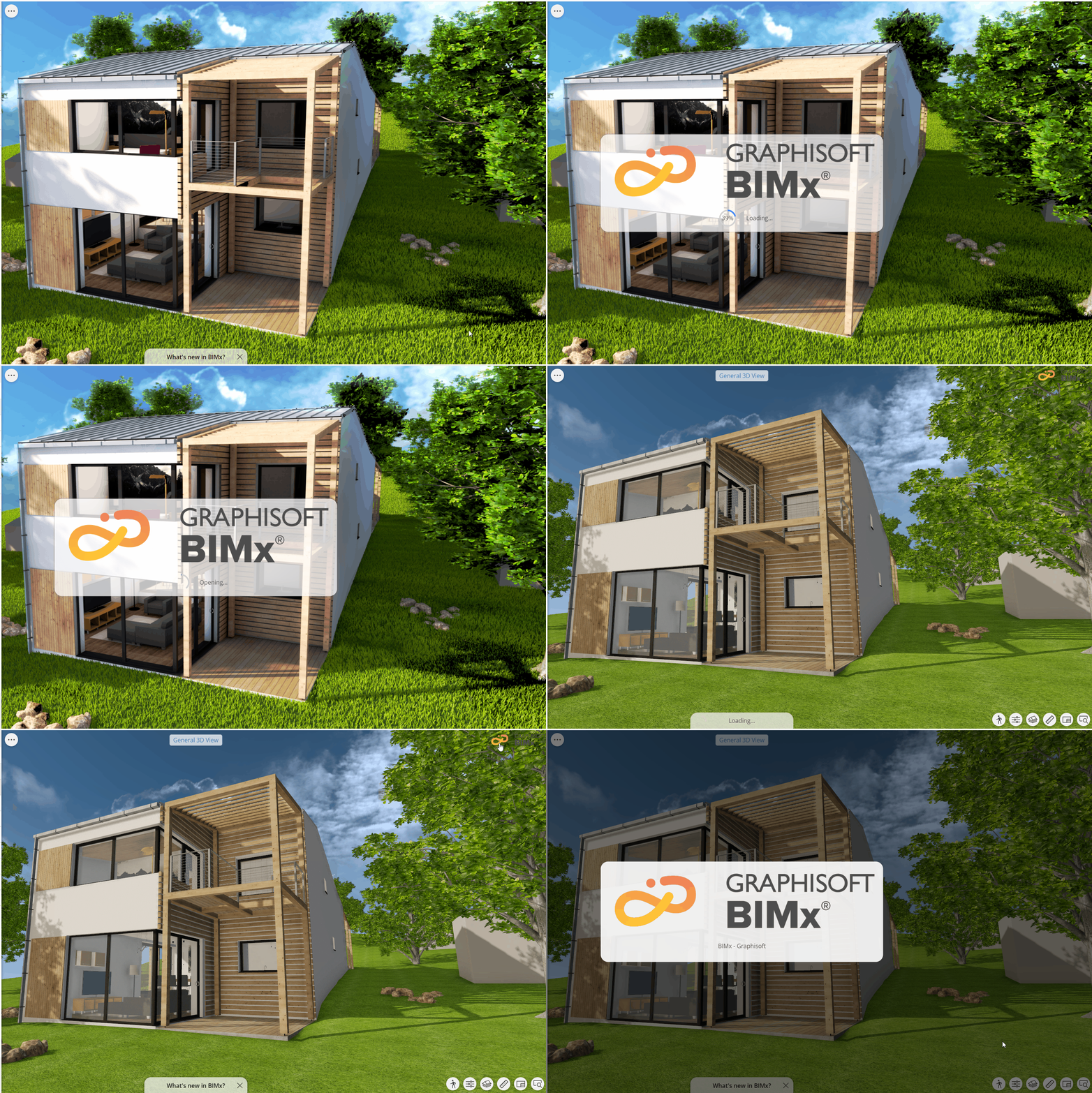
You can also see the credits by pressing the company logo at the top right corner of the 3D view. Here, you will also see the live URL to the company website. Tap to open in the default browser.