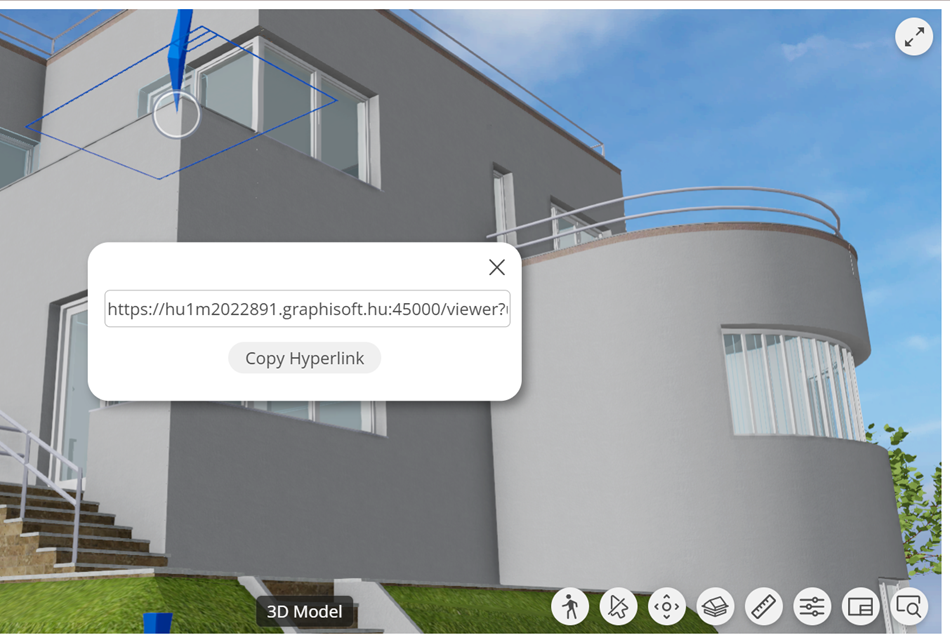
Create hyperlink
Generate and share hyperlink to any BIMx item
Use this command to generate a hyperlink to any BIMx item: model element, 2D document, or preview picture. Then use the links to communicate requests and do quick checks.
Send the hyperlink to the recipient, who clicks on it: the BIMx Hyper-model opens in a browser and displays the view containing the referenced item.
Hyperlinks are generated on BIMx Model Transfer, and they expire in 24 hours.
When viewing a BIMx model on BIMcloud, the Create hyperlink function is not available.
- Right-click on Element, Layout or the Project Preview to
bring up the context menu.
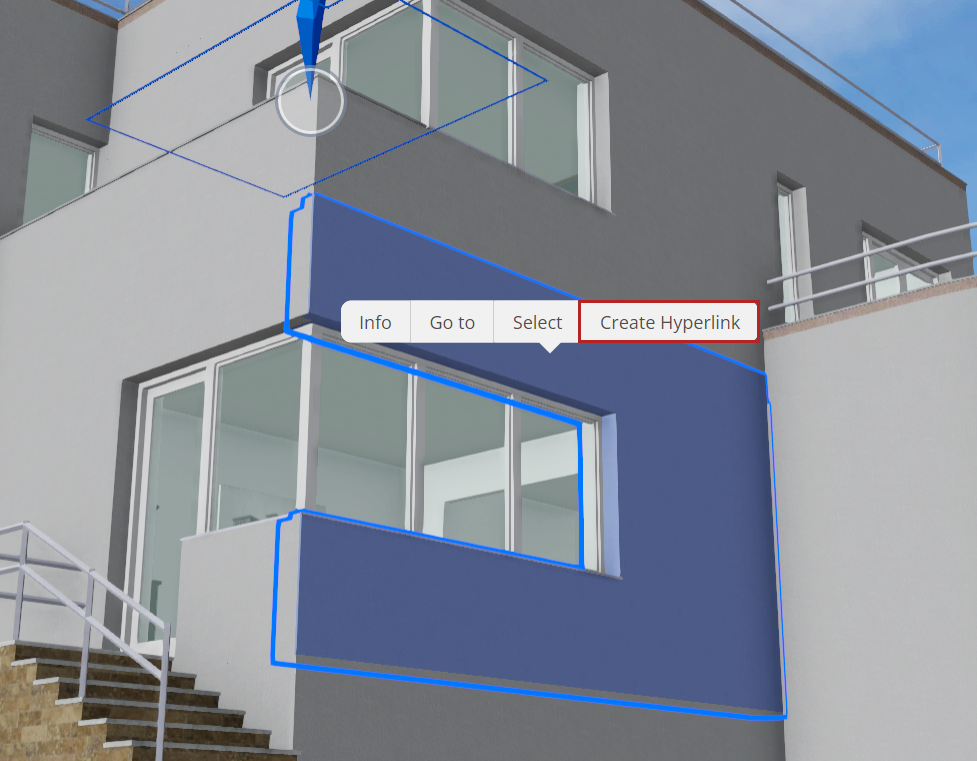
- Click Create Hyperlink. Hyperlinks to 3D Elements store the current camera position.
- Click Copy Hyperlink.