Export to PDF
Export the current layout or 3D model view to PDF
- Hover or tap the “more options” icon (...) to see navigation commands.
- Choose Export to PDF
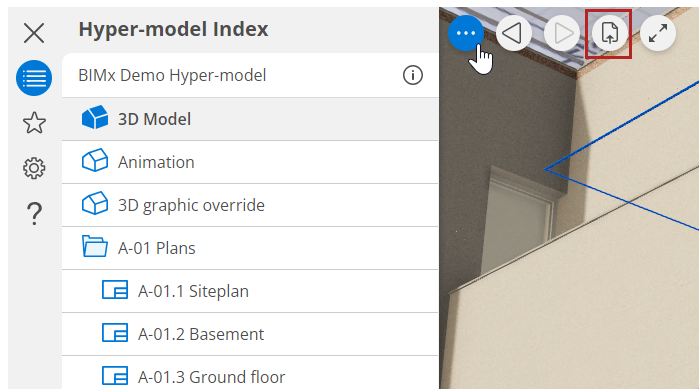 Or use a shortcut:
- Cmd+P (macOS)
- Ctrl+P (Windows)
On Windows, the command is also found in the File menu.
- Choose to export the entire layout, or just the current zoom.
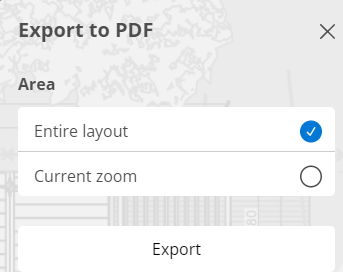
The layout or 3D model view is exported as a PDF file to the folder you specify. (Use browser settings to define how and where to download files.)