Hyper-model Index
List all views and folders in Hyper-model
- Click any folder to open it and see the items inside.
- To open any item, double-click it, or click on its preview.
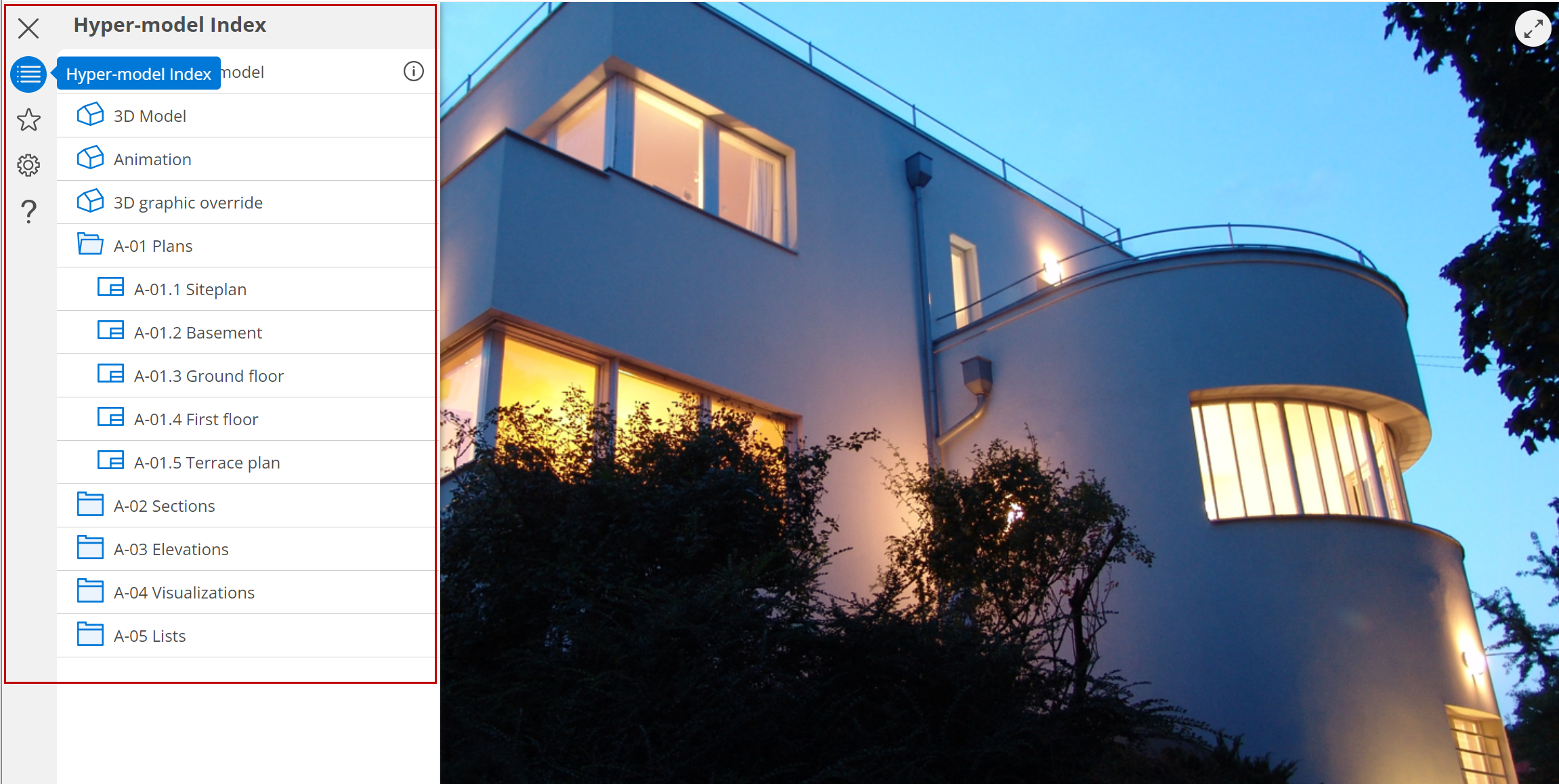
If you don’t see the Index: hover over the upper left menu: the Model Index label appears at the top left corner of the screen. Click to open.

See preview of selected item
- Select a 3D model or 2D document from the Hyper-model Index.
- See its preview at the bottom, plus basic info:
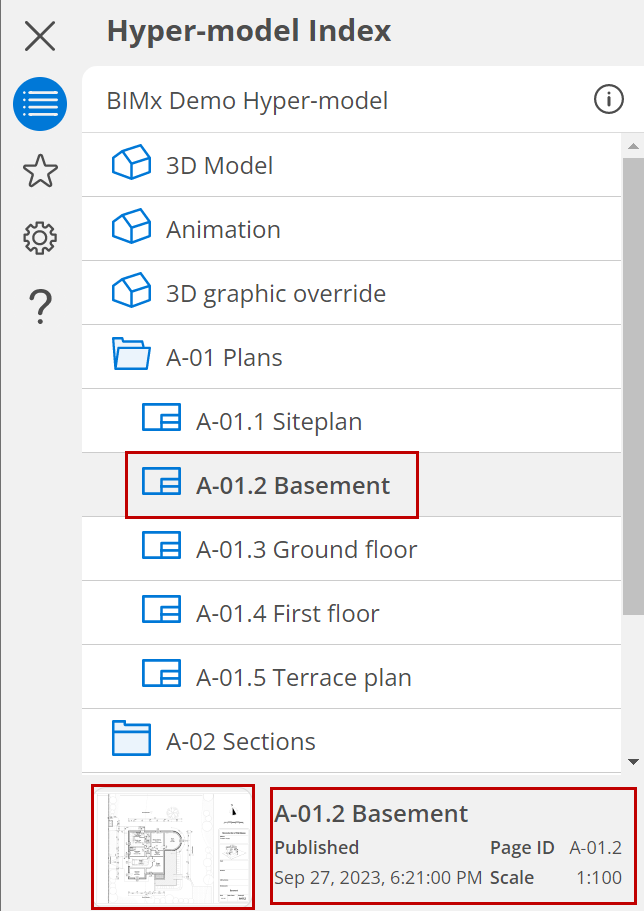
Click the preview to open the item.