Interactive element labels on layouts
Click a label to access BIM element data from the layout
Available in BIMx Hyper-models saved from Archicad 27 or later.
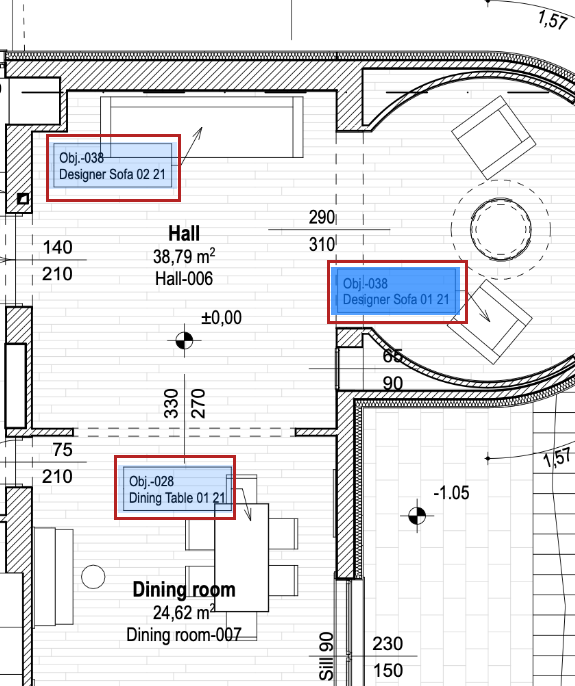
On a layout in BIMx, just click on a label (highlighted with a blue rectangle) to see information about the element. (Interactive rectangles appear on 3D model elements that have labels.)
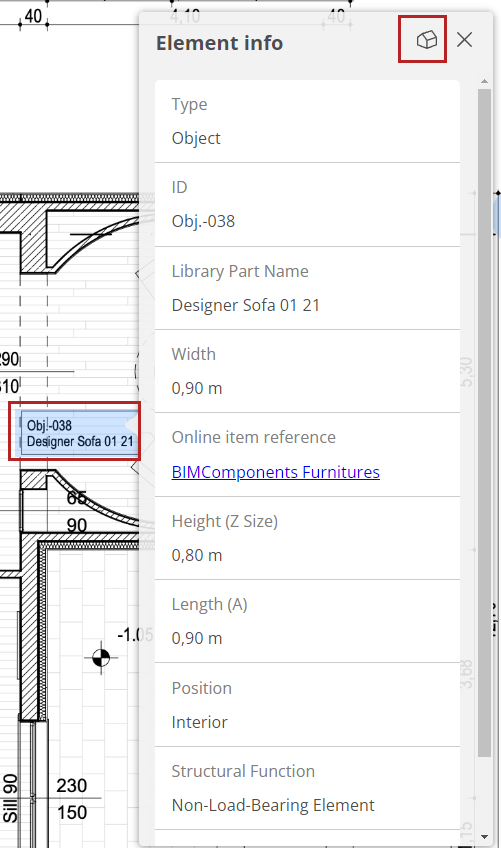
Click the icon to navigate to open the 3D model and zoom to the element.
Label display on/off
To turn interactive
labels on or off:
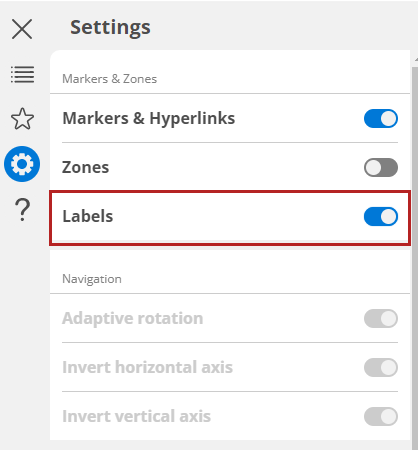
- Open the menu from the top left edge of the screen.
- Click the Settings button.
- Toggle Labels to make them visible or turn them off.
For more information, see: