Navigate in 2D
Use these commands to navigate in 2D document
Pan
Left mouse button + Drag
Pan with one finger (on touchscreen)
Pan on touchpad: click and hold right button, then drag
Zoom
Do any of the following:
- Scroll with mouse wheel
- Double-click
- Pinch (on a touchscreen)
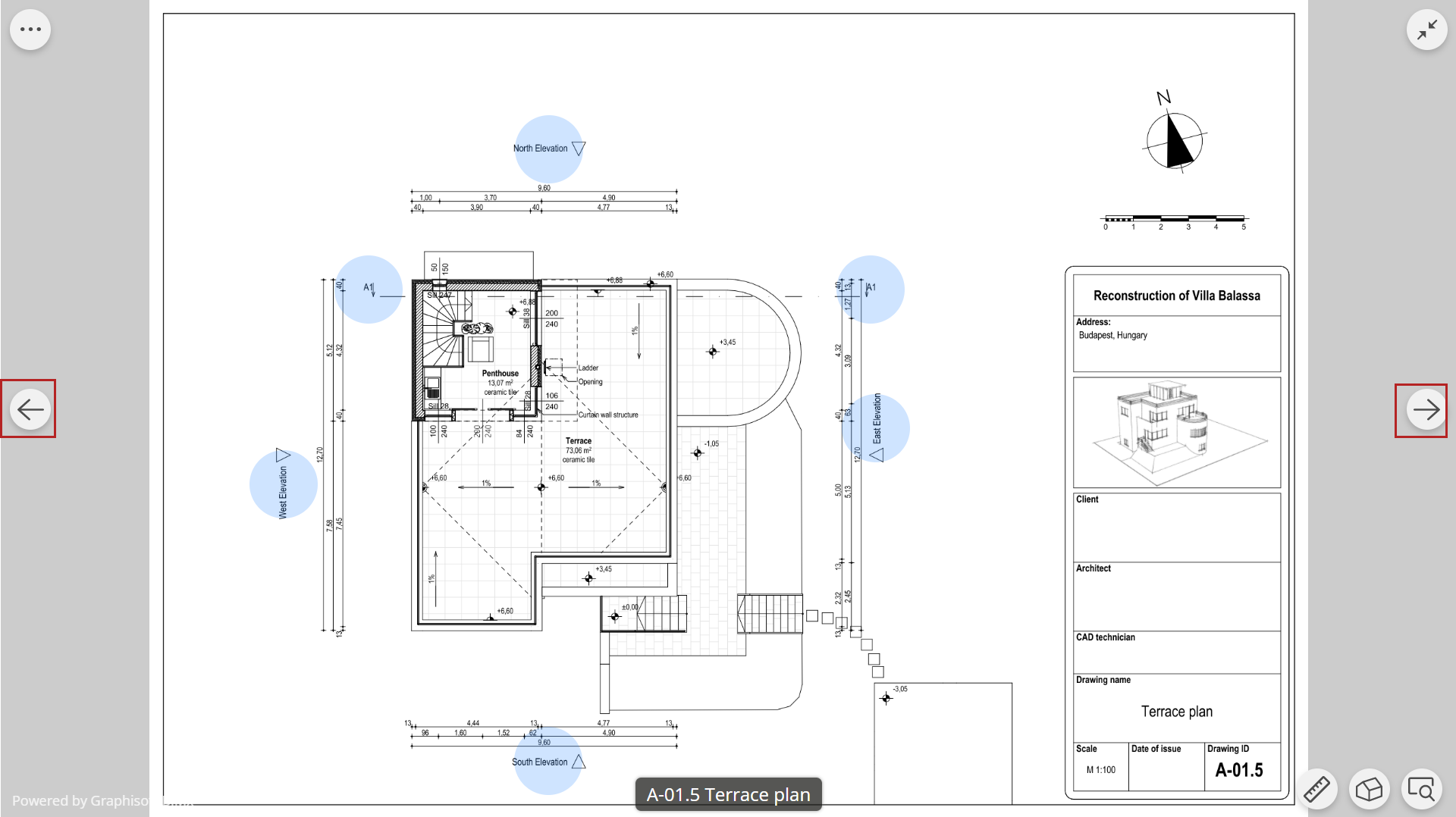
Open next/previous 2D document
- Use left/right arrow buttons, or keyboard arrow keys
- Swipe on a touchscreen
Views are opened in the order they are listed in the Index.