See Hyper-model Info
See key project info for your Hyper-model
In the Hyper-model Index, click the Info button.
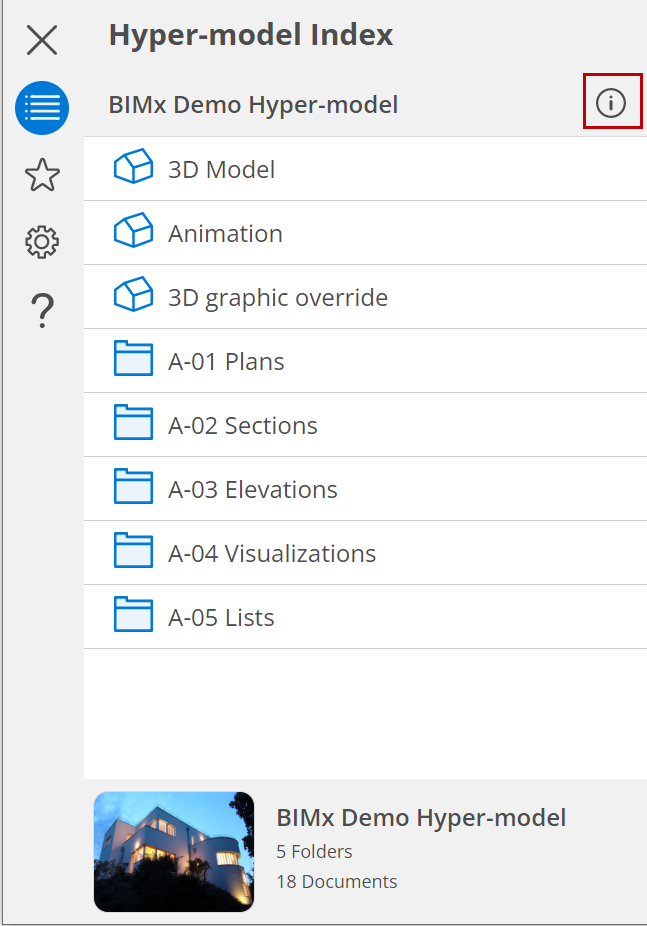
Key project information is now displayed.
Note: Hyper-model Info, and the Project Preview picture, are generated
based on data in the Archicad or DDScad project. If no such data
were added to the exported Hyper-model, you won’t see the Info button
in BIMx.
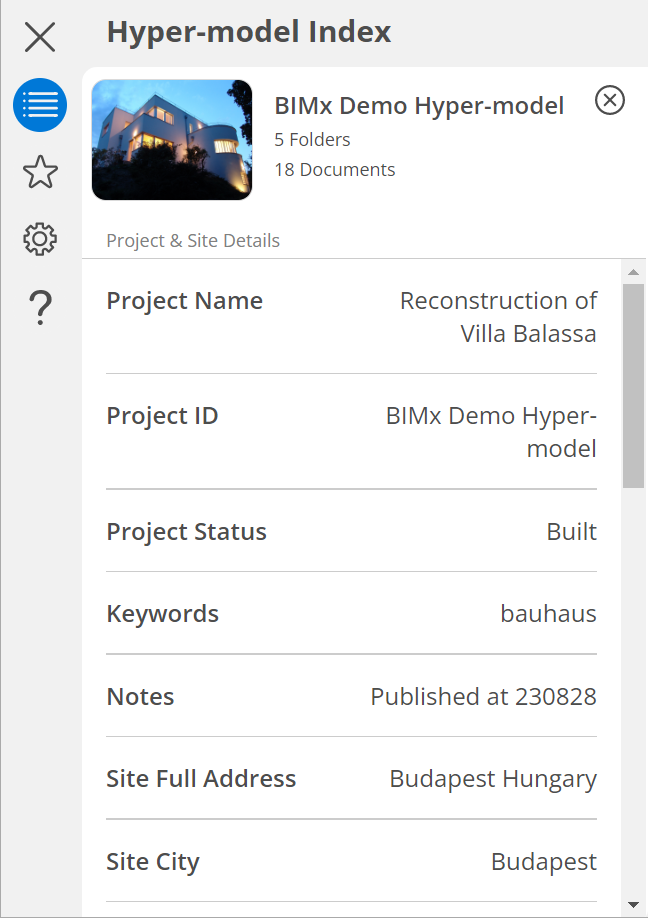
See Project Preview in Archicad Help.
Click X at top right to close the Info panel.