Purchase process
I would like to purchase a subscription. Where can I access the Graphisoft Store?
Visit the Store at https://shop.graphisoft.com. You can buy a subscription by signing in with your Graphisoft ID (GSID) account. New customers can create an account in the Store.
Which products are available for purchase?
You can purchase Archicad, BIMcloud, and DDScad products either in plans or as separate products, depending on your market and preferred subscription terms.
How do I purchase additional licenses?
After signing in, click Products to see all available products on your market.
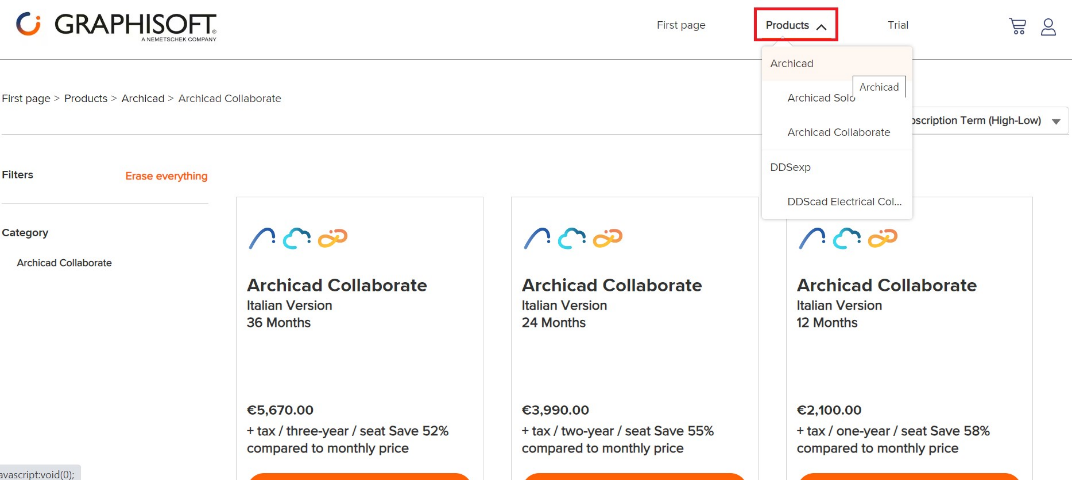
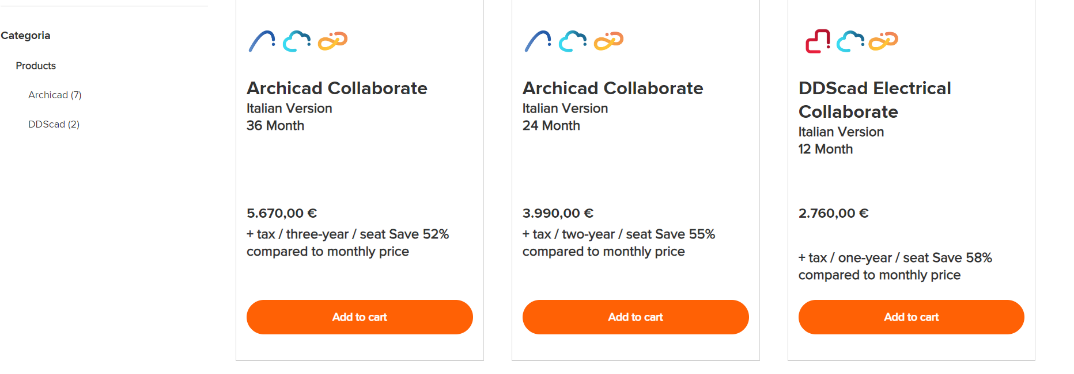
Select the product you want to buy, then click Add to cart.
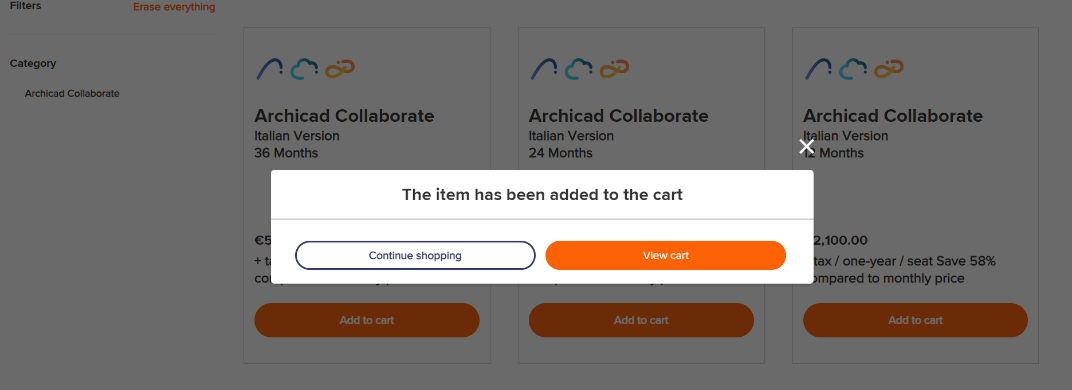
Click View cart if you are ready to purchase, or else Continue shopping.
In the cart view, click Proceed to checkout and finish your purchase.