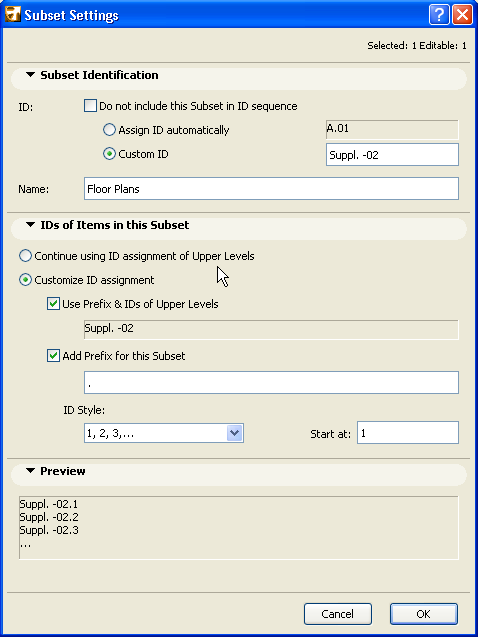
Even if you use the Automatic Layout ID Assignment logic defined in the Book Settings Dialog Box, you can still assign a custom ID to any Layout or Subset.
In Layout or Subset Settings, assign a custom ID to the selected layout or subset. The Layout/Subset will still “count” as part of the ID sequence (e.g., if the previous Layout is A-02, the custom Layout might be Suppl.-02, and the following Layout will be A-03.)
•If you do not want the custom ID to be counted in the automatic ID sequence, check the “Do not include this Layout (Subset) in ID sequence” box.
Once you have customized a Subset ID, you then have the further choice: in the ID of Items in this Subset panel, you can make the IDs of Layouts in this subset either follow the new logic (incorporating the subset’s custom ID), or else retaining the ID logic of the overall Layout Book structure irrespective of the customized subset ID.
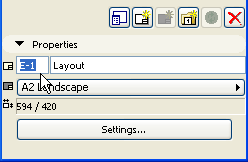
Another way to assign a custom Layout or Subset ID is by typing it directly into the Properties panel of the selected Layout (Subset) in the Navigator Layout Book.
Related Topics: