Use this function if you want to transfer user settings from one BIM Server to another.
Go to the Users page of BIM Server Manager.
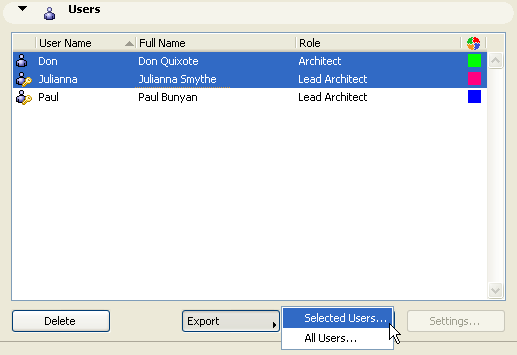
•To export only certain users, select one or more users from the list.
Click Export, then Selected Users...
•To export all users, do not select any of them. Click Export, then All Users...
In the appearing dialog box, browse for a location for the saved file. Data for all the users you are exporting will be placed into a single file, with extension .bimusers.
You can now import this users file to another BIM Server.