Monitor User Activity by Project
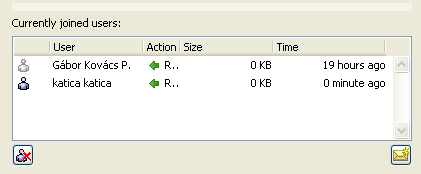
The “Currently joined users” list, on the Users and Roles panel of Project Settings, gives you feedback on activities by users currently joined in to the project. This information is useful for monitoring the server-related activities associated with the current project.
For each user, his/her last communication with the server is shown (along with the time that the action took place and the size of the data involved).
To send a message to any user, select the user name and click the messaging button.
A Server Administrator or Project Administrator can issue a Force Leave to any selected user here - for example, if the Administrator determines from the data that a user has not participated in the project for a very long time.
See also Force User to Leave a Project.