Publisher Set Properties Dialog Box
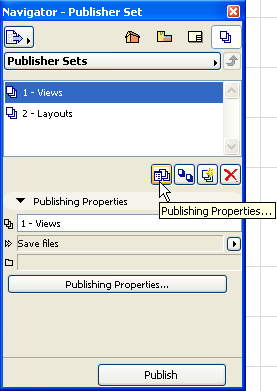
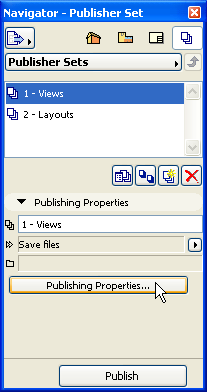
To open this dialog box, make sure you are viewing the Publisher Set Chooser and Manager. (Click the “Up one level” button.)
•Click the Publishing Properties button in the Navigator or Organizer; or
•Click the Publishing Properties command button among the command icons.
Publishing method: Click this scroll-down menu and choose a publishing method from the list:
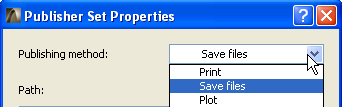
The Print and Plot choices have no additional formatting choices. If you choose Save files, you have the following further configuration options.
Save files
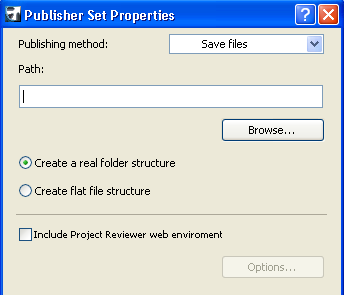
•Path: Enter the path of the folder you want to save your files in.
•Browse: Click this button to browse through folders for saving your files.
•Create a real folder structure: Click this button to save your files in a hierarchical structure.
•Create flat file structure: Click this button to save your files in a flat structure.
•Include Project Reviewer web environment: Check this box to save the Project Reviewer web environment together with the set for browsing it later. The Options button will then become active.
Options: Click this button to display a dialog for defining settings for the Project Reviewer index file. The index file contains the hierarchical structure of the files of the publication.
See also Revisions of Publisher Items.
For more information, see Project Reviewer.