Migrating the BIM Server: Version 13-16 to Version 17
Note: If you are migrating BIM Server 13: You must run the latest available hotfix for BIM Server 13 before you begin the migration process.
On the server machine that contains BIM Server 13-16 begin the installation of BIM Server version 17.
The installer will recognize the presence of a previous BIM Server, and will upgrade your server to version 17.
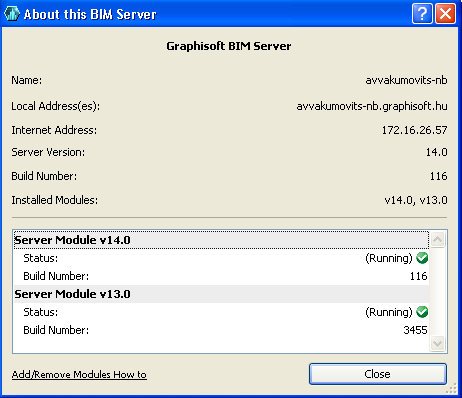
Once the installation process is complete, you will be running BIM Server version 17, which encompasses Module 17 and any modules installed earlier (e.g. Module 13, 14, 15 and/or 16).
See also Modular BIM Server.
In essence, this means that your BIM Server can now run Teamwork projects in ArchiCAD 17, as well as your old Teamwork Projects in ArchiCAD 13-16. The Users, Roles, Custom Properties and Library databases of all installed server modules are handled uniformly and are always in sync.
No other server migration steps are necessary.
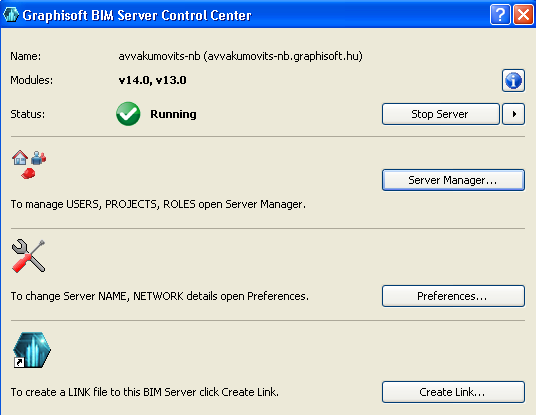
The BIM Server Control Center lists all the installed modules on the server. Click on the info button to see additional data on each module. This information is view-only.