Set Display/Element Visibility Options for Trace Reference
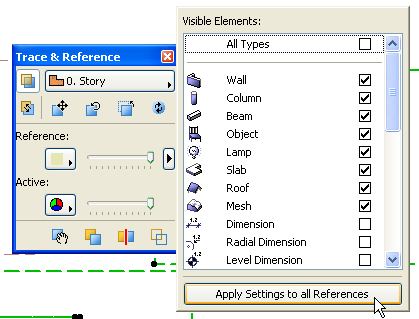
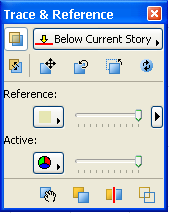
To set the color of the Reference and the visibility of elements on the Reference, first open the Trace & Reference Palette. (Use Window > Palettes > Trace & Reference, or choose Trace & Reference from the list of Trace Reference commands.)
Use the controls in the top half of this palette to set the Reference’s color and element visibility options.
See also Trace & Reference Palette.
Change you make here apply to the Reference of the current window only. However, to apply the settings in this pop-up to all References in the project, click the Apply Settings to All References button.