Selection of Overlapping Elements
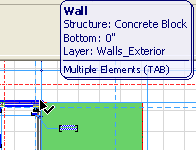
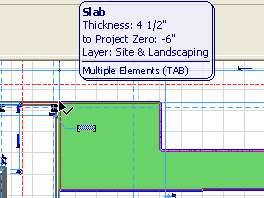
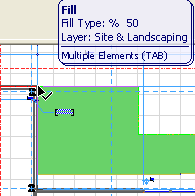
When the nodes of several elements overlap at a single point, the Info Highlight indicates which element will be selected, and the Info Tag shows its type and main properties.
See Element Information Highlight and Element Information Pop-up (Info Tags).
Note: The element information highlight pops up if the cursor is over any element (with Arrow Tool active). If any other tool is active, press Shift to see the element information highlight.
To cycle the highlight among multiple elements which overlap or join, press Tab until the desired target element is highlighted. When you are satisfied that the appropriate element will be selected, click with the cursor.