
ArchiCAD has a dedicated tool that is optimized for creating interior elevations of interior spaces.
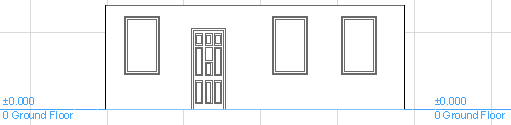
Interior Elevations (IEs) work similarly to Sections and regular Elevations: choose an input method; define the view and its limits; and place a marker with custom-defined marker reference information.
Each Interior Elevation is a separate viewpoint in the Navigator Project Map.
Edits made on an Interior Elevation can be reflected in the Model, and vice-versa: model changes can be reflected in the Interior Elevation following an update. Dimensions are associative.
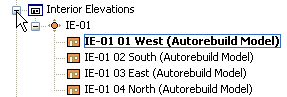
Unlike the Section and Elevation tools, the Interior Elevation tool is used to create new viewpoints only; you cannot place a linked, reference-only IE marker.
Many other aspects of Interior Elevation viewpoints - status, display, marker reference, and updating - work the same as in Section viewpoints.
Note: The visibility of elements in an Interior Elevation is defined differently as of ArchiCAD 18. In earlier versions, the bounding box of elements determined whether they would be shown in the viewpoint. To use the older-version logic, turn on the Interior Elevation Legacy checkbox in Project Preferences. (See Legacy Preferences.)