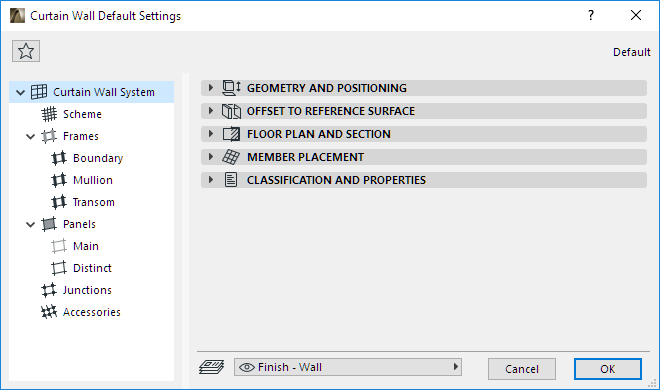
Use System-level editing to set up or edit the Curtain Wall element as a whole, using a single dialog box.
Open Curtain Wall Default Settings by double-clicking on the Curtain Wall Tool. Or select the Curtain Wall you wish to edit, and open Curtain Wall Selection Settings.
Click on the items listed in the left-hand tree structure to open any of the dialog box pages associated with Curtain Wall Settings.
Use these dialog box pages to define general System (position, display) preferences, as well as options for the Scheme, Frame, Panel, Junction and Accessory members.
For details on each option, see Curtain Wall Settings.
Note: Once the Curtain Wall is placed, you can customize individual members of a selected Curtain Wall, using Edit Mode.
Modifications to Curtain Wall System Selection Settings will modify all affected parts of the selected Curtain Wall. For example, if you modify a Mullion Frame’s surface, the surface of all the Mullion Frames in the Curtain Wall will be changed when you click OK to leave the dialog box. However, Custom Frames are not affected by changes to the Mullion Frame settings.
When you have finished setting up the Curtain Wall System options, use the Curtain Wall tool to place the Curtain Wall using any of the geometry methods.
See Edit Grid.