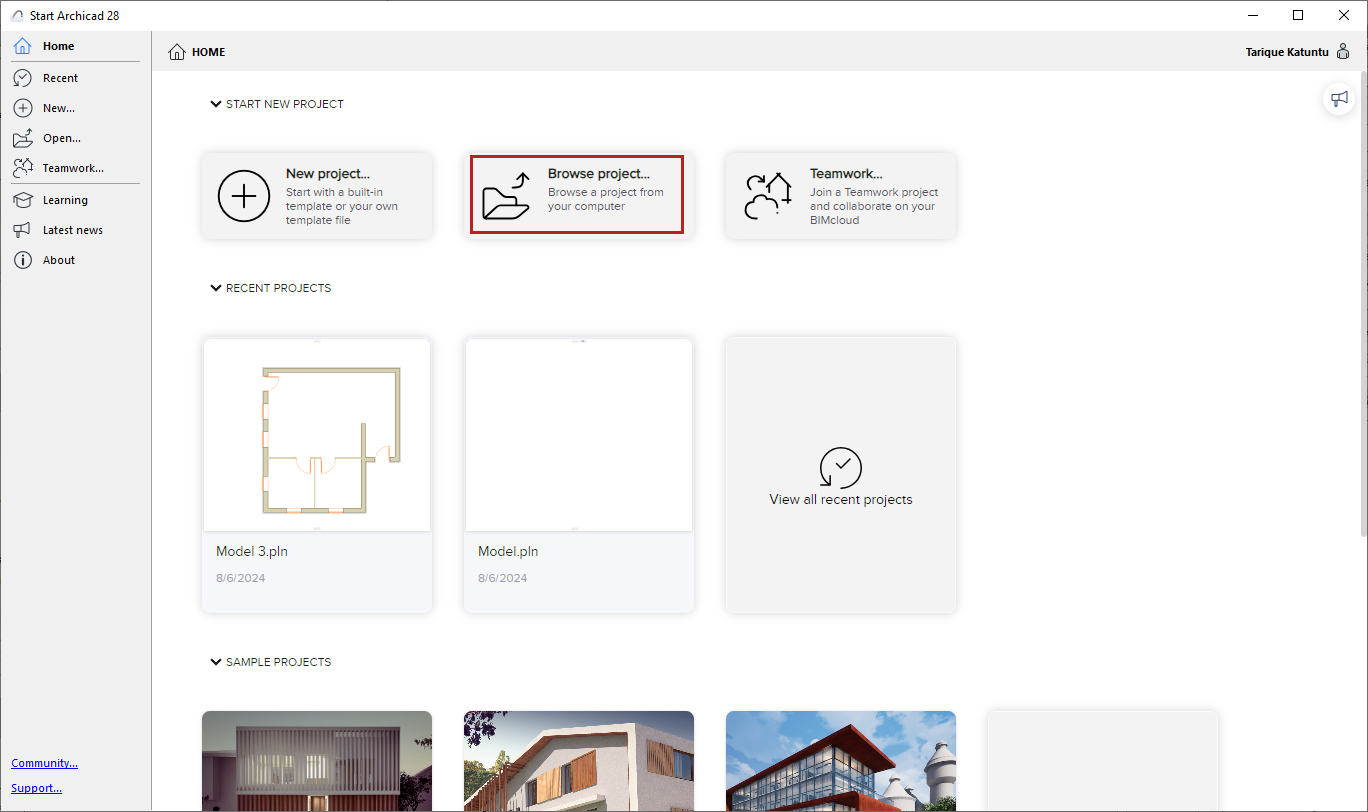
Do one of the following:
•From a running program: Use File > Open > Open
•From the Start dialog or Home screen, click Browse project
Note: To open the Start dialog, do one of the following:
-Open the Home screen
-Double-click the application icon
-Click the Starter application
Browse for a project, then click Open.
Launch a new instance of the program