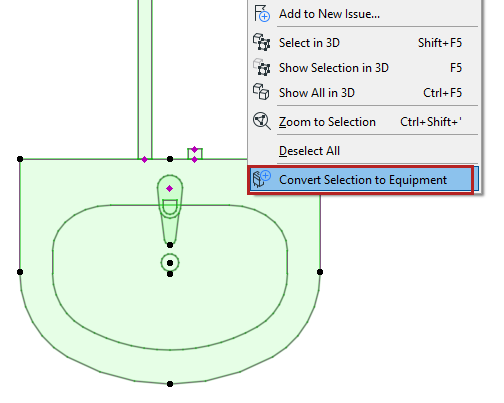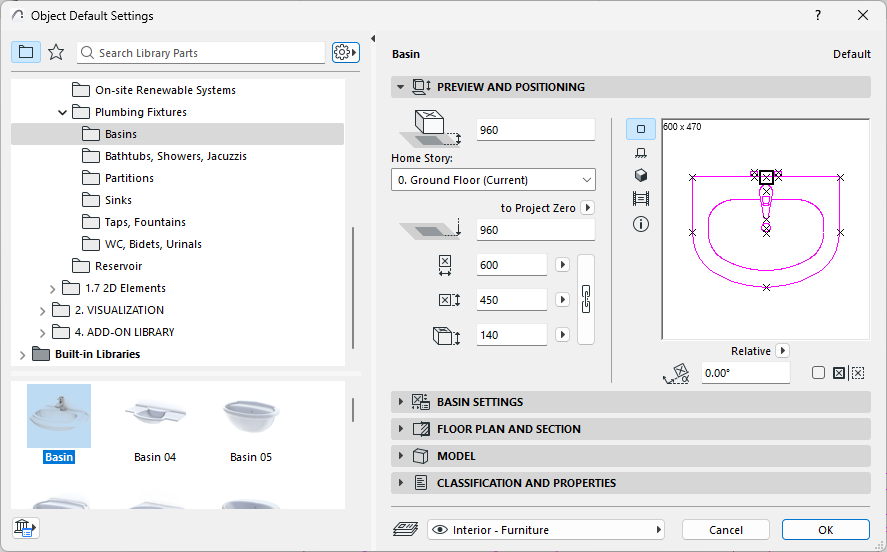
Many familiar objects, such as this Basin, also include MEP-compatible connection settings, so you can connect them to an MEP route.
Display MEP Connection Ports on Objects
1.Go to Document > Model View > Model View Options
2.Open Miscellaneous Settings for Library Parts
3.Enable the Model View Option for Object MEP Connections
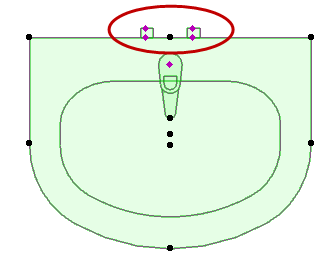
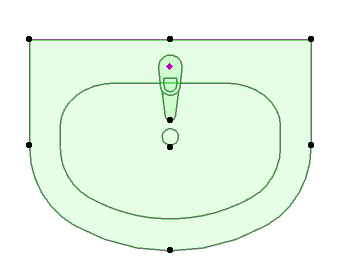
Model View Option: Show or Hide MEP Connections on Library Parts
To edit such connections graphically, you must first convert them to Equipment-type elements.
For a selected MEP object: Switch its type to Equipment (or back to Object) using the context menu commands.