Create New Project
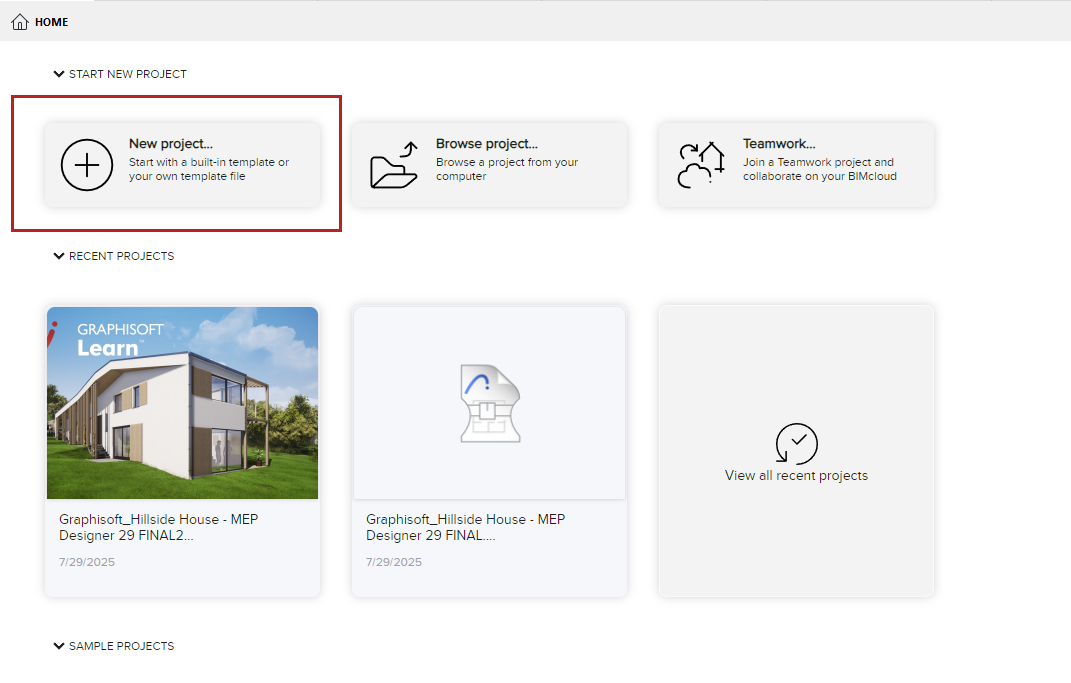
- From the Start dialog or Home screen, click New project.
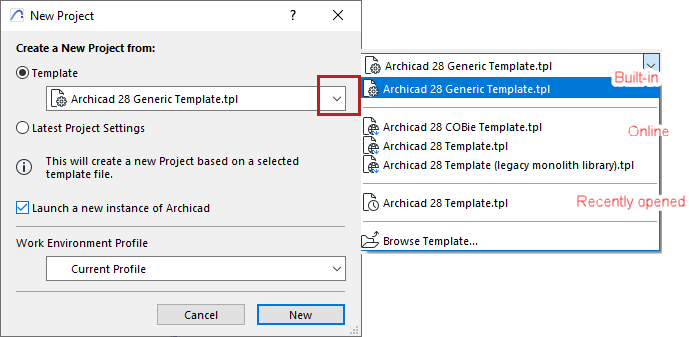
- From the appearing dialog, choose a template from the list, or browse
for a different template file.
See also Template Files.
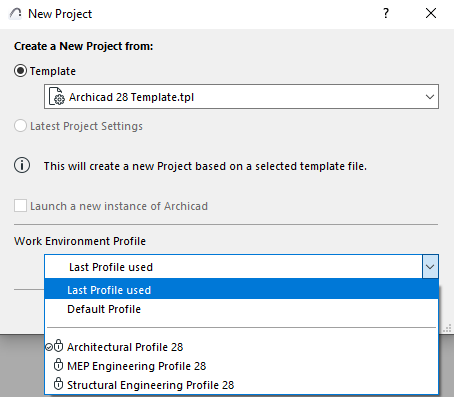
- Choose a Work Environment Profile for the new project.
See also Default Work Environment and MEP Work Environment .
- Default Profile: The default one
is listed with a checkbox. You can change this default at Options > Work Environment
> Profile Options.
See Profile Options.
- Default Profile: The default one
is listed with a checkbox. You can change this default at Options > Work Environment
> Profile Options.
- Click New to create the new project.
Create new project from a running project
Launch a new instance of the program
Looking for dark mode? (macOS only)
Set it in your Work Environment: See Appearance (Dark mode for macOS).