Search and sort attributes (Attributes palette)
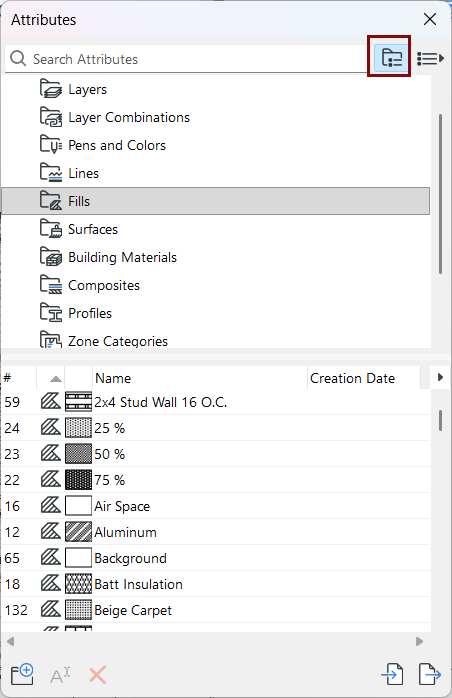
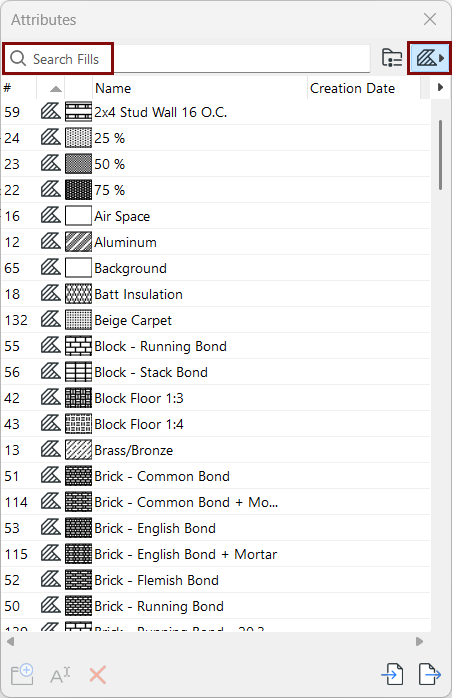
Search
Use the search field at top to locate folders and attributes by name, inside the entire attribute collection.
In list view, if you have filtered the list by type, the search is limited to that attribute type.
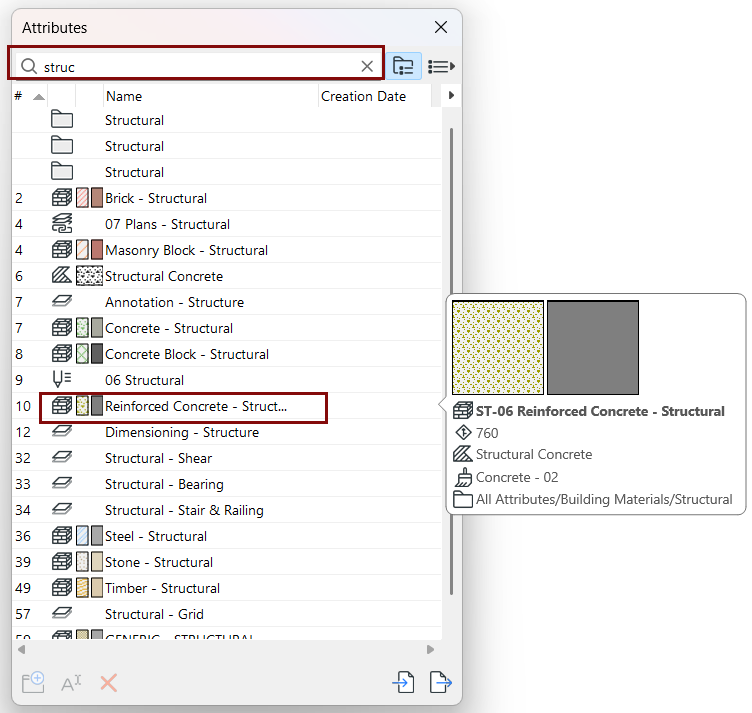
Click the X to exit the search.
Sort
Each attribute is displayed in the palette by Type and Name. You can choose to also display
or hide additional data (Index, Preview, Creation data) using the pop-up:
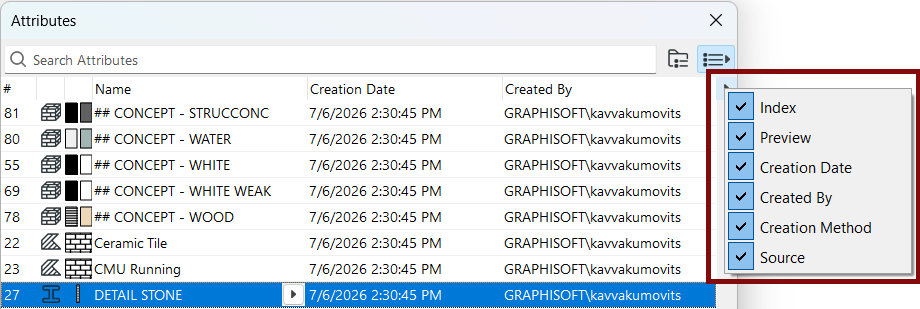
Drag the columns into any order and sort their contents using the headers.